
Our dear friends!
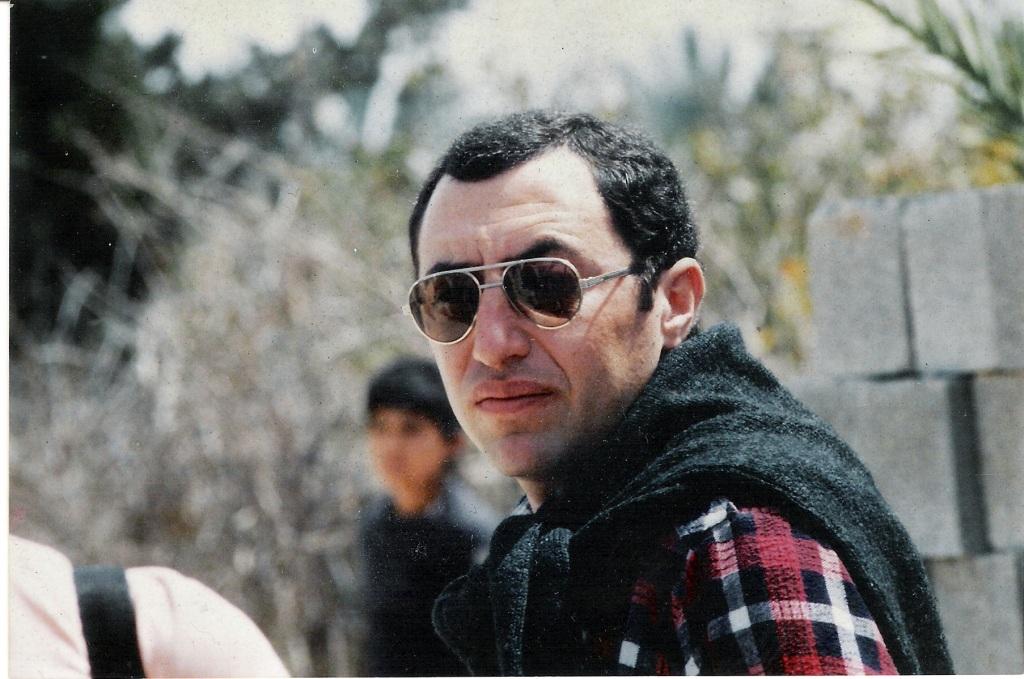
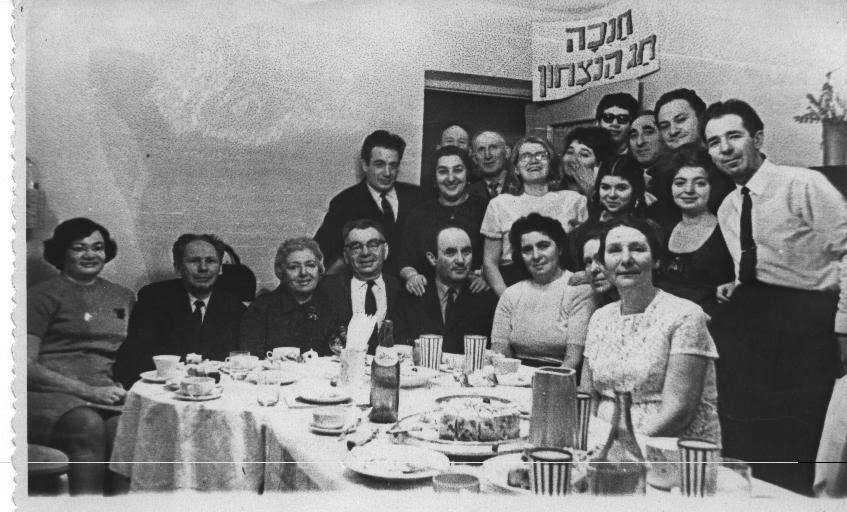
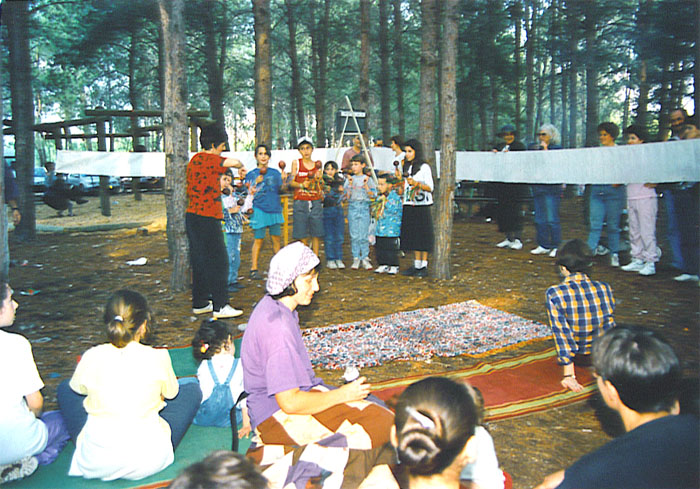
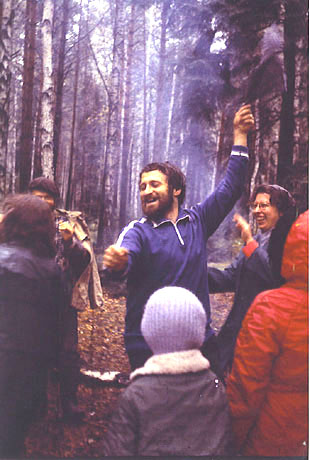
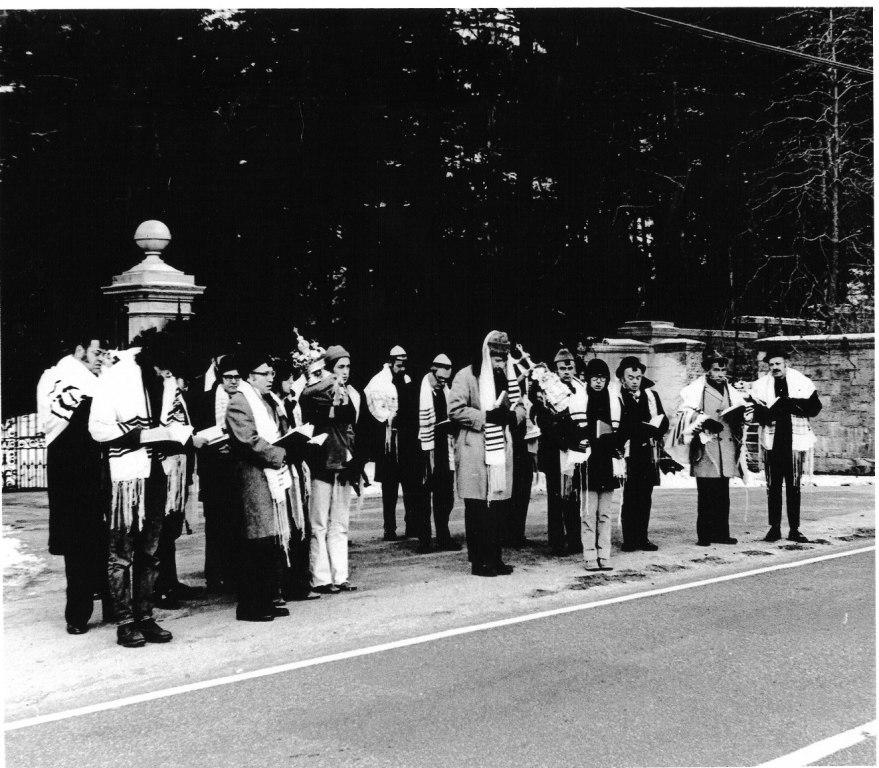
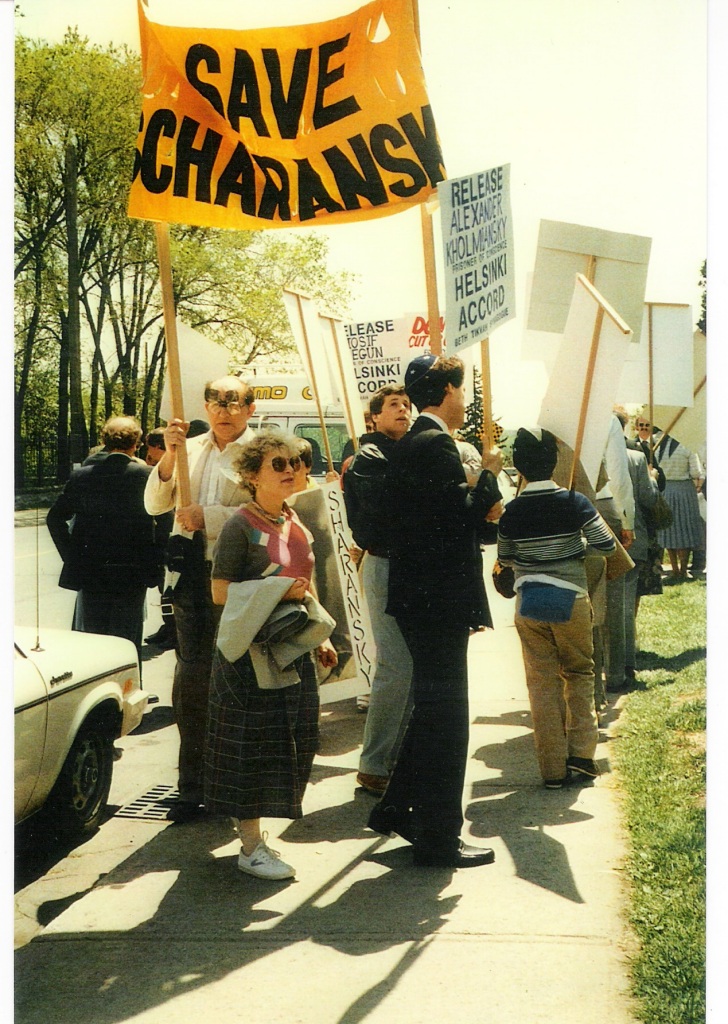
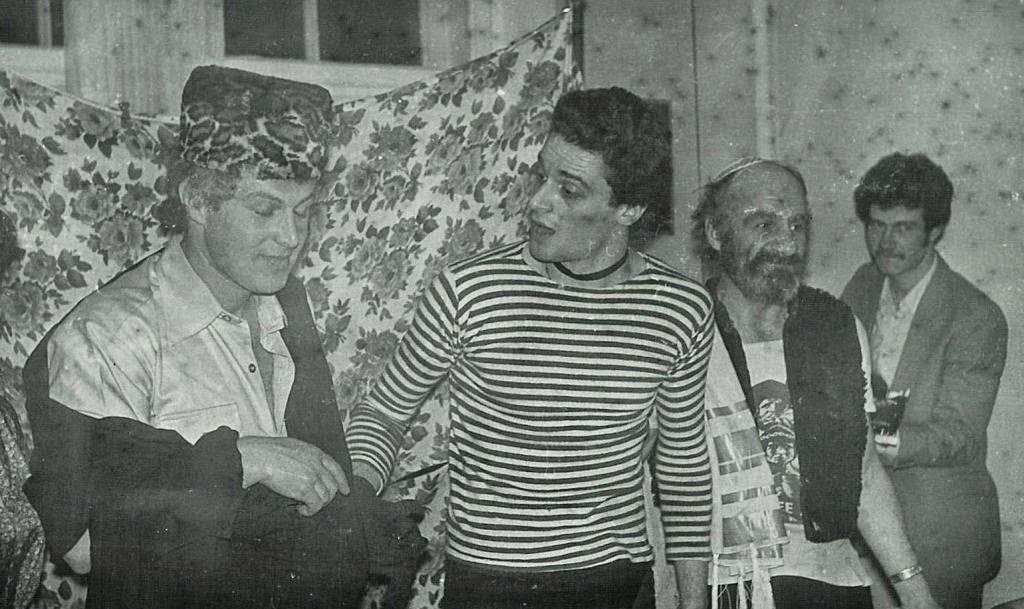
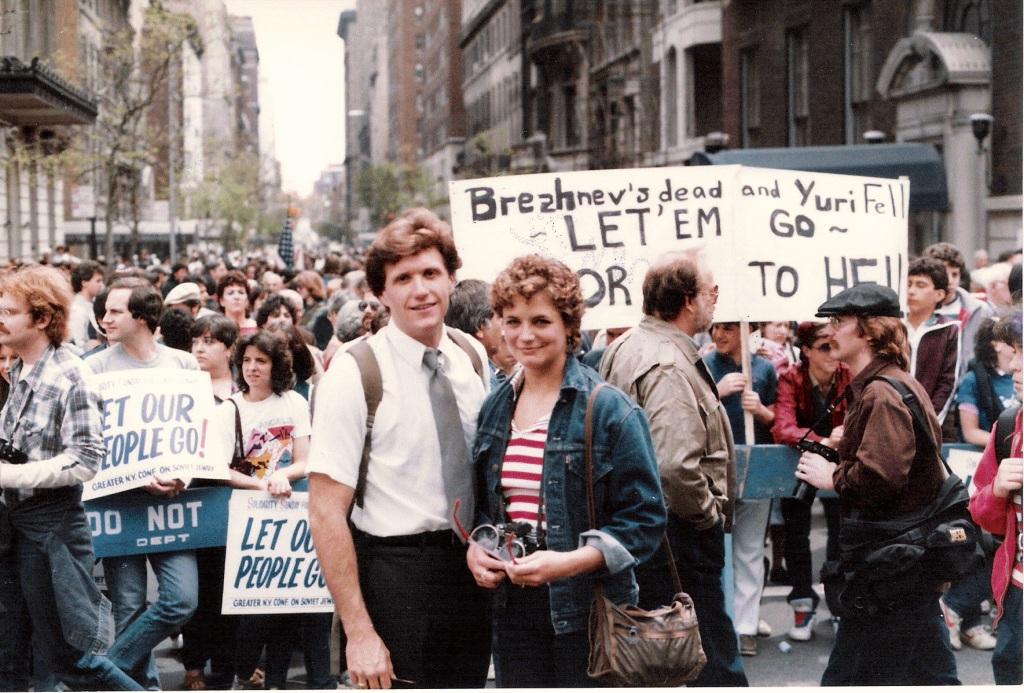
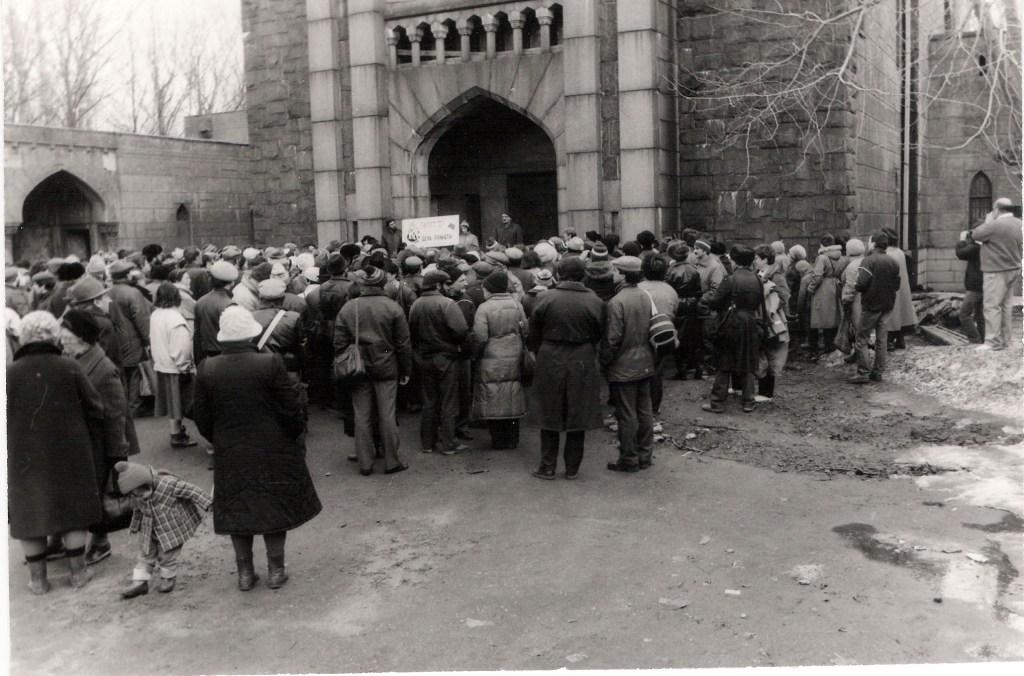
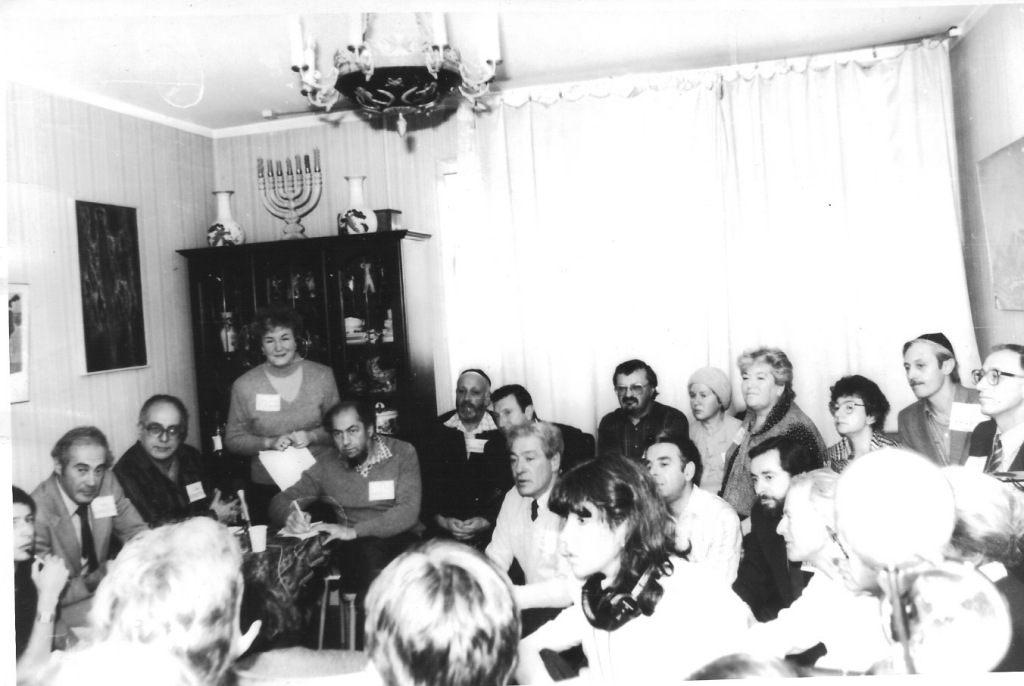
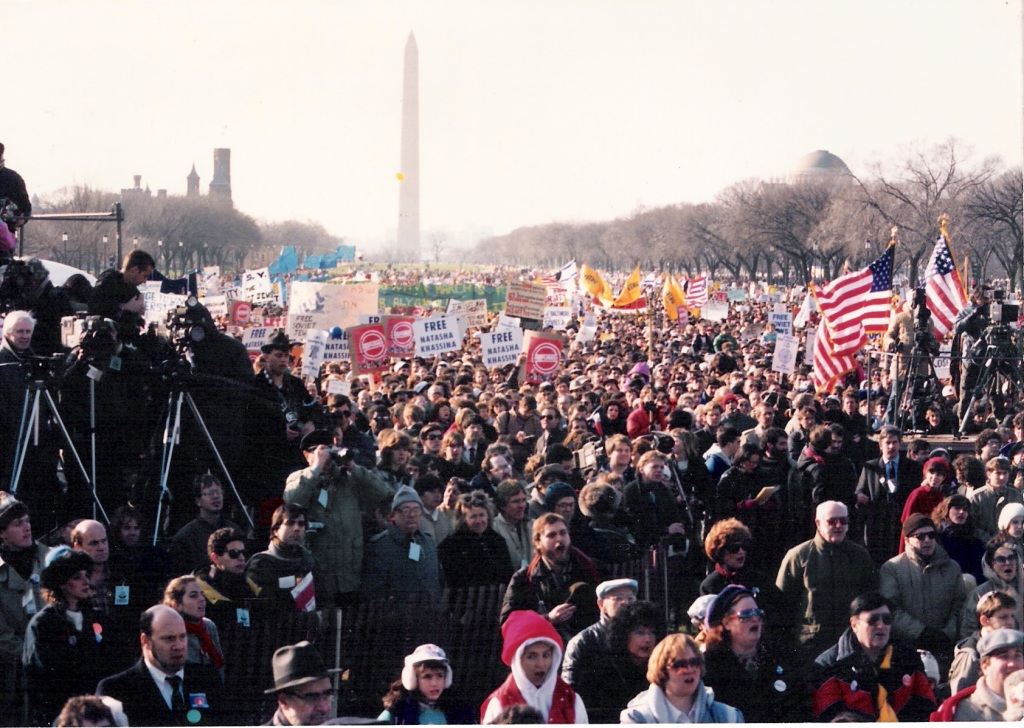
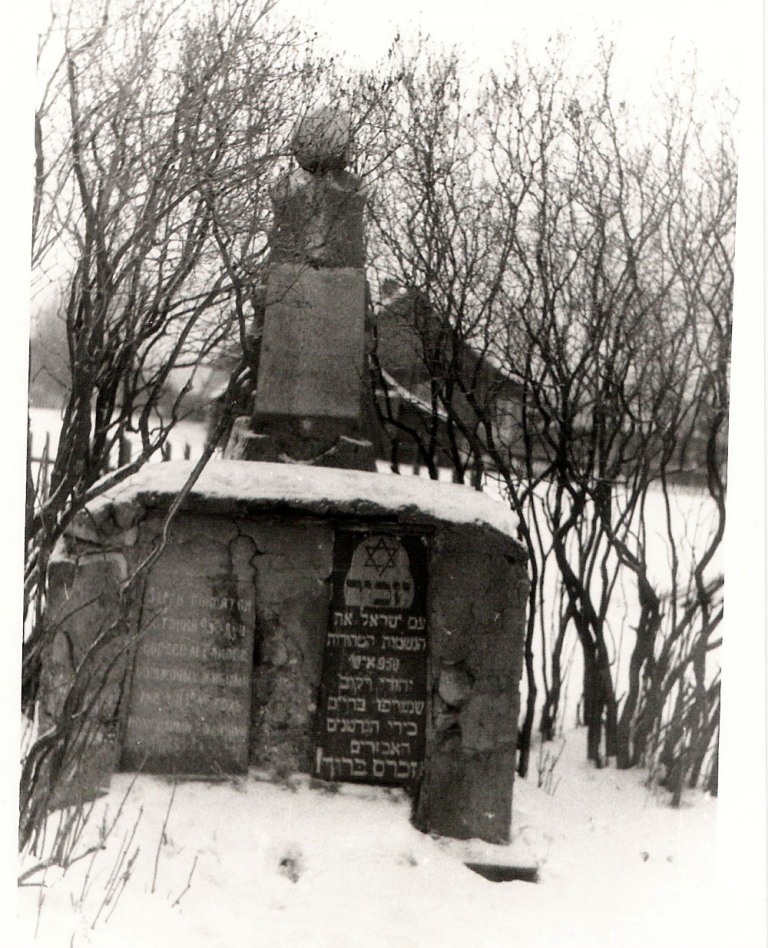
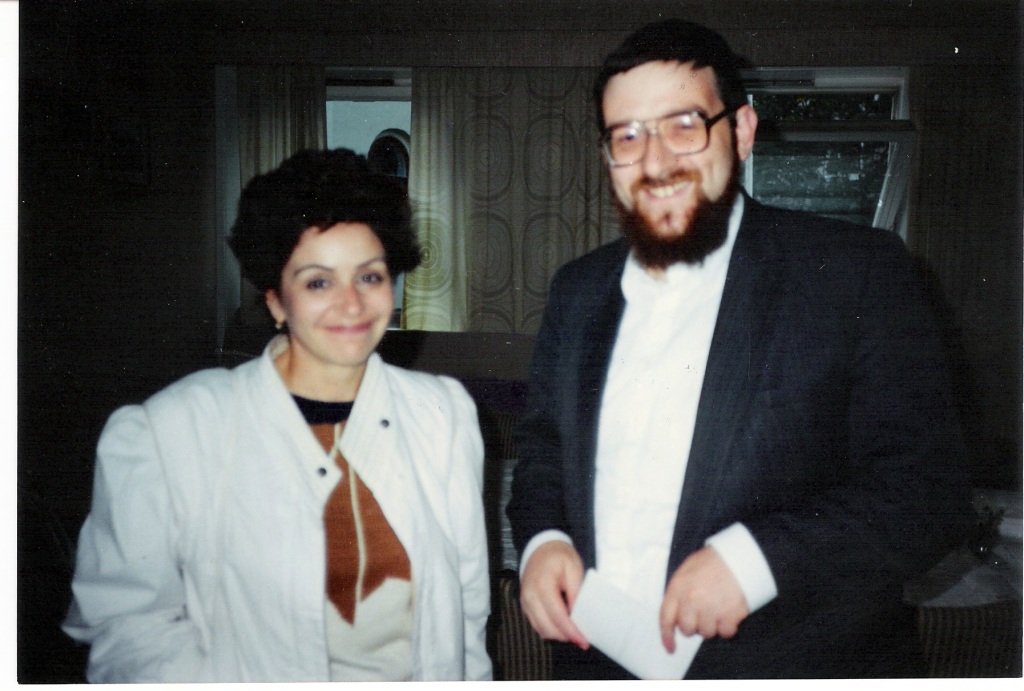
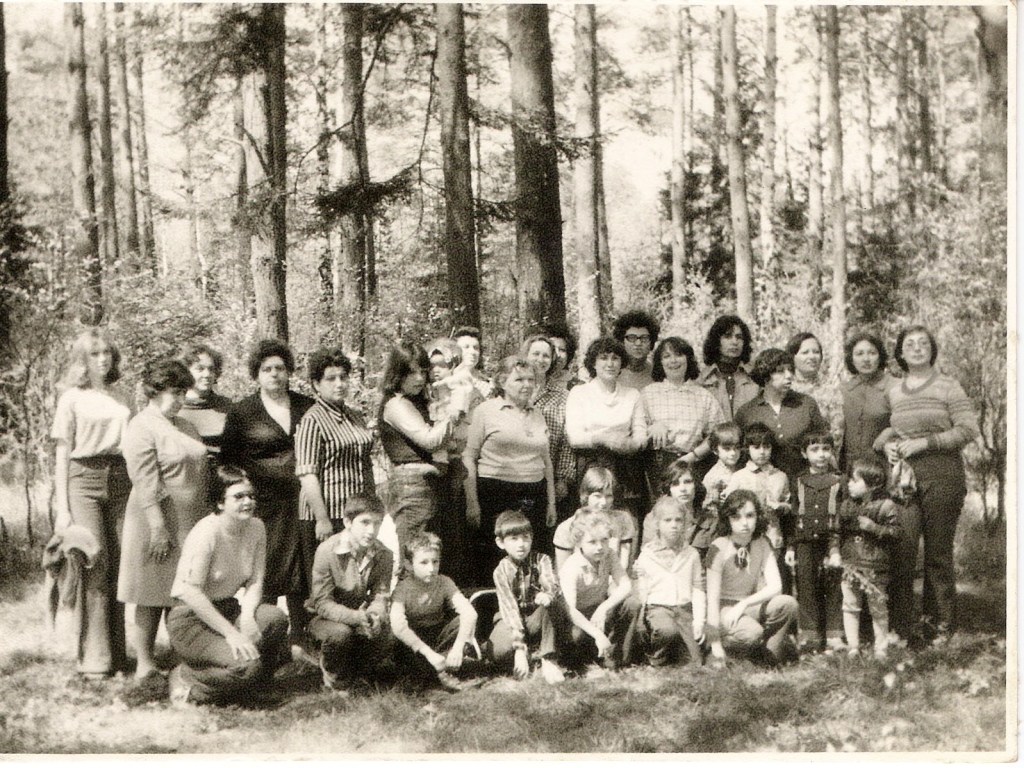
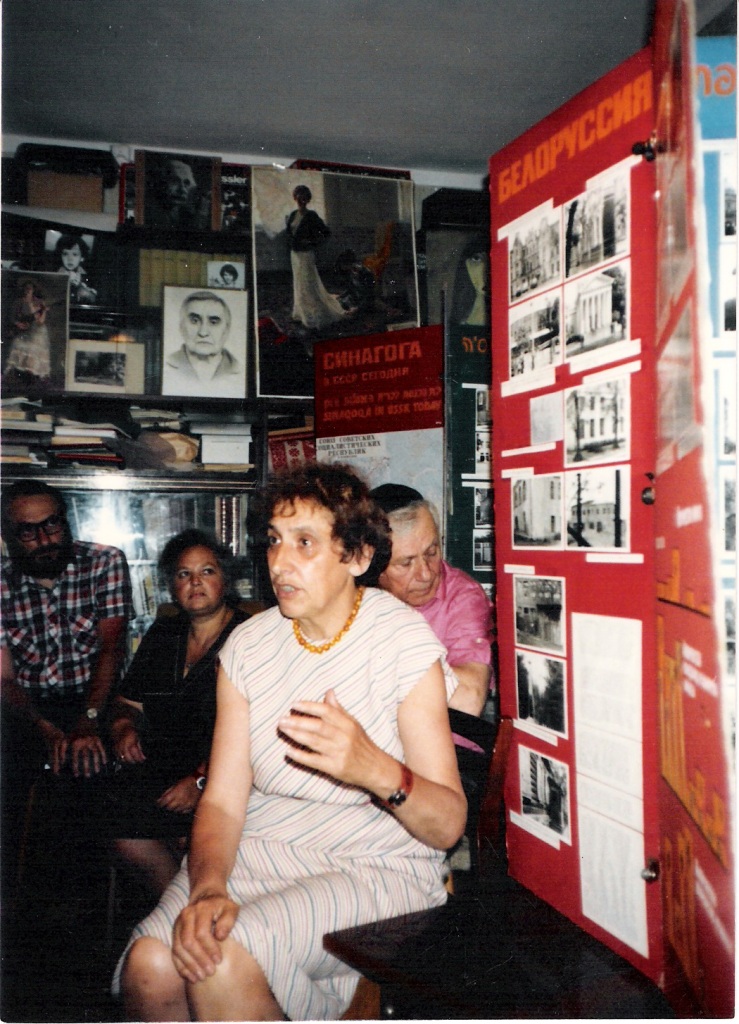
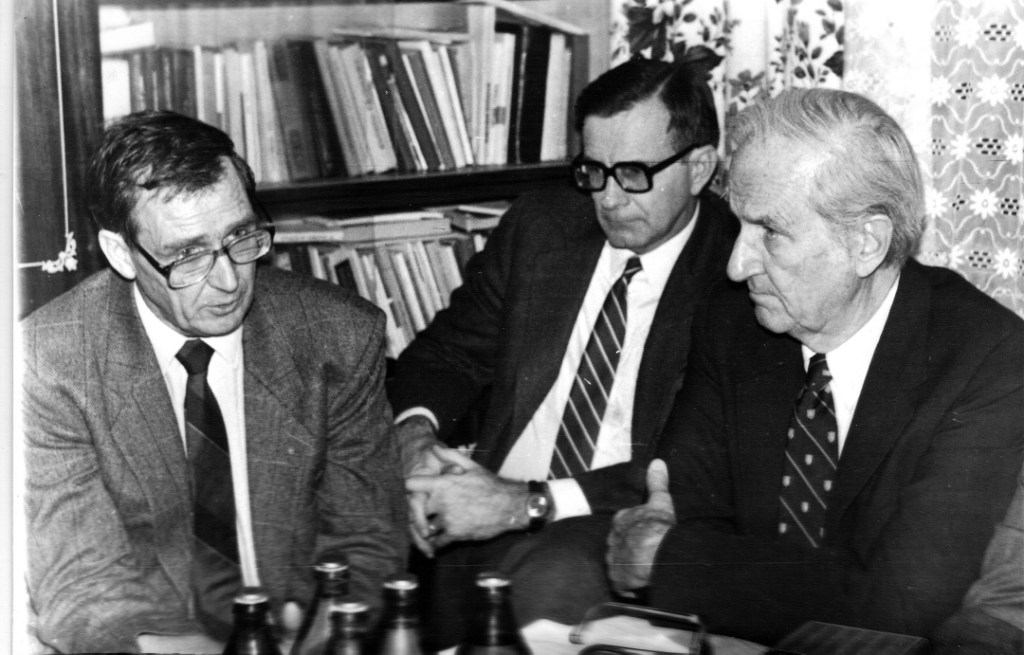
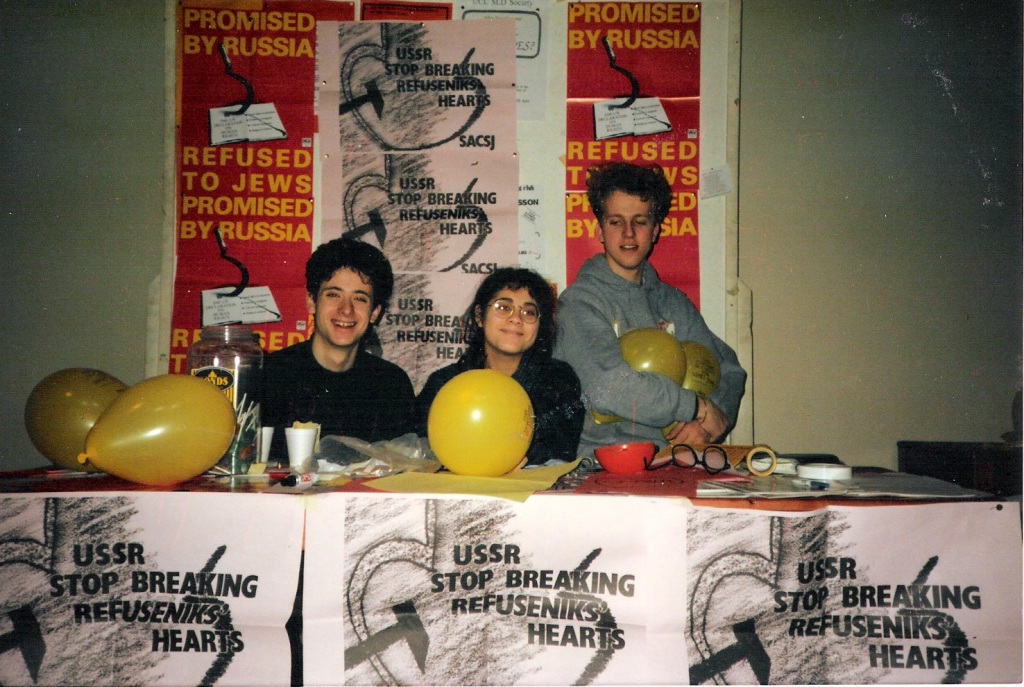
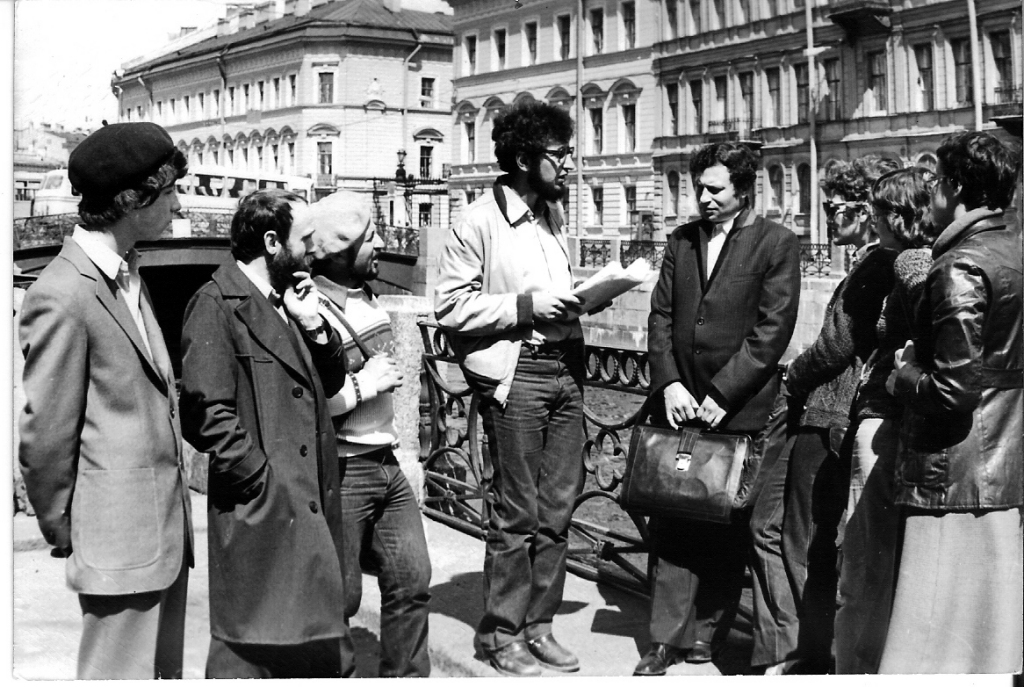
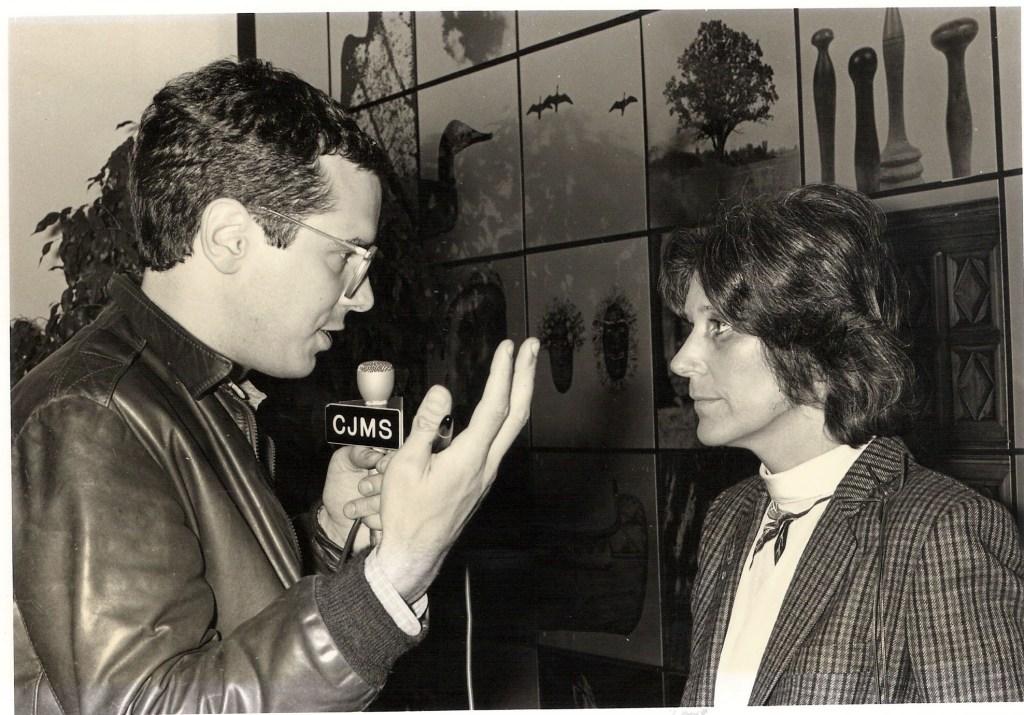
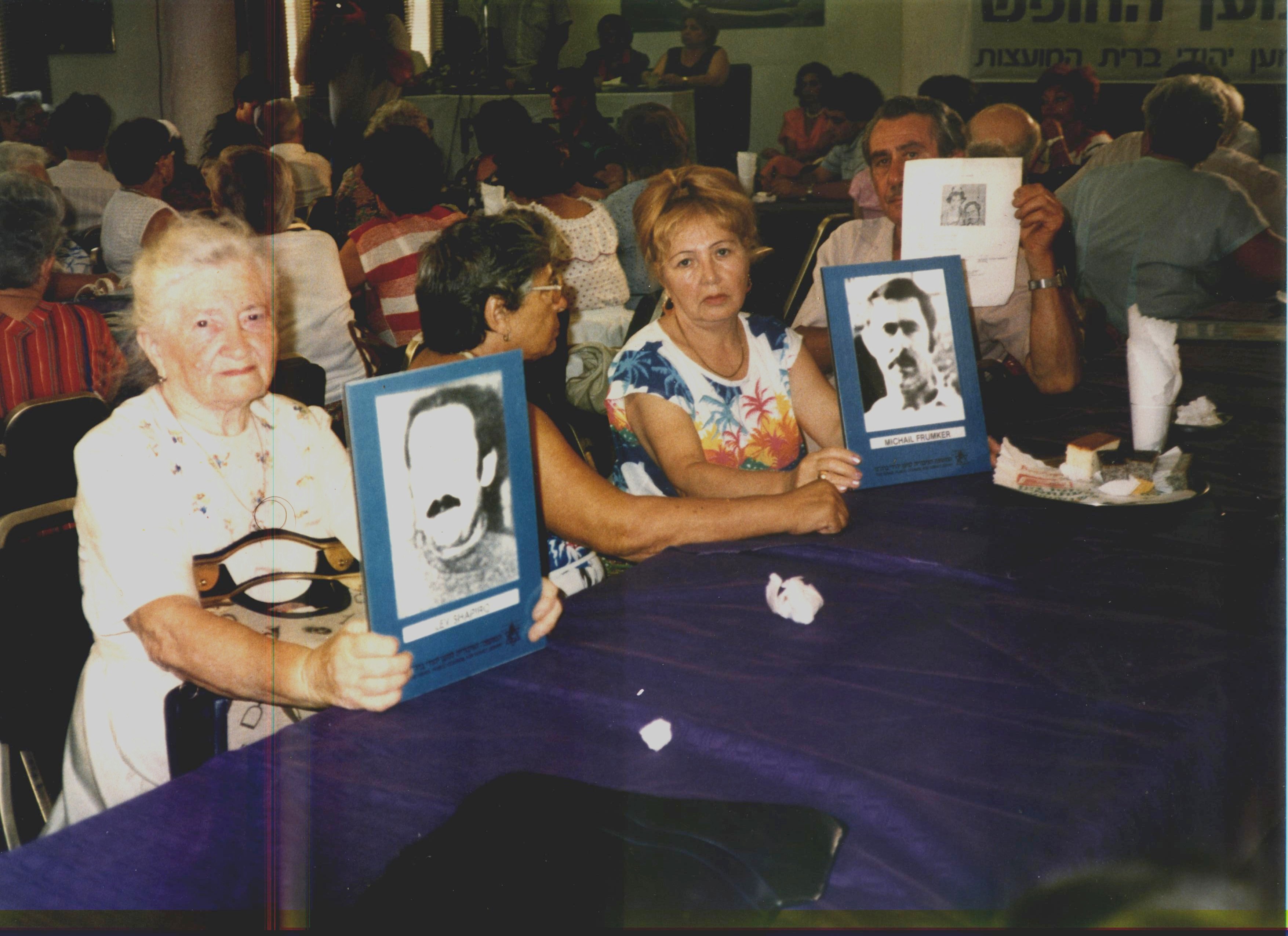
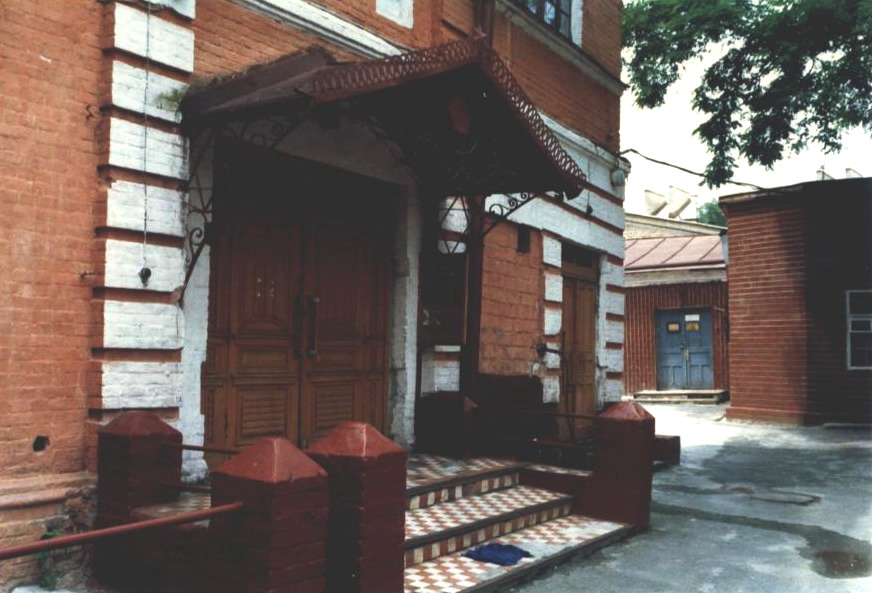
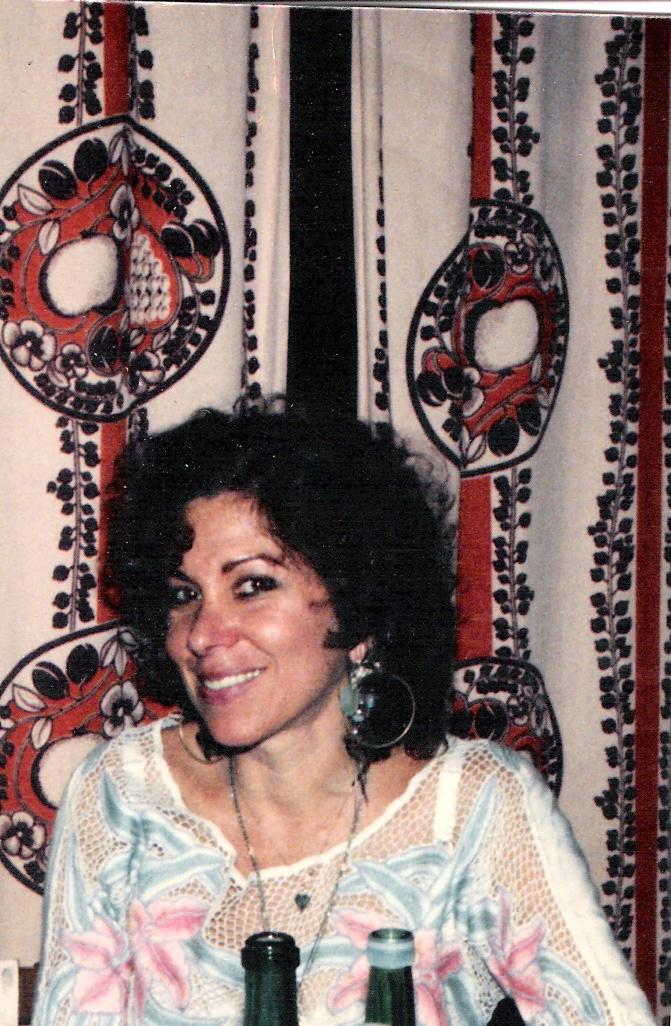
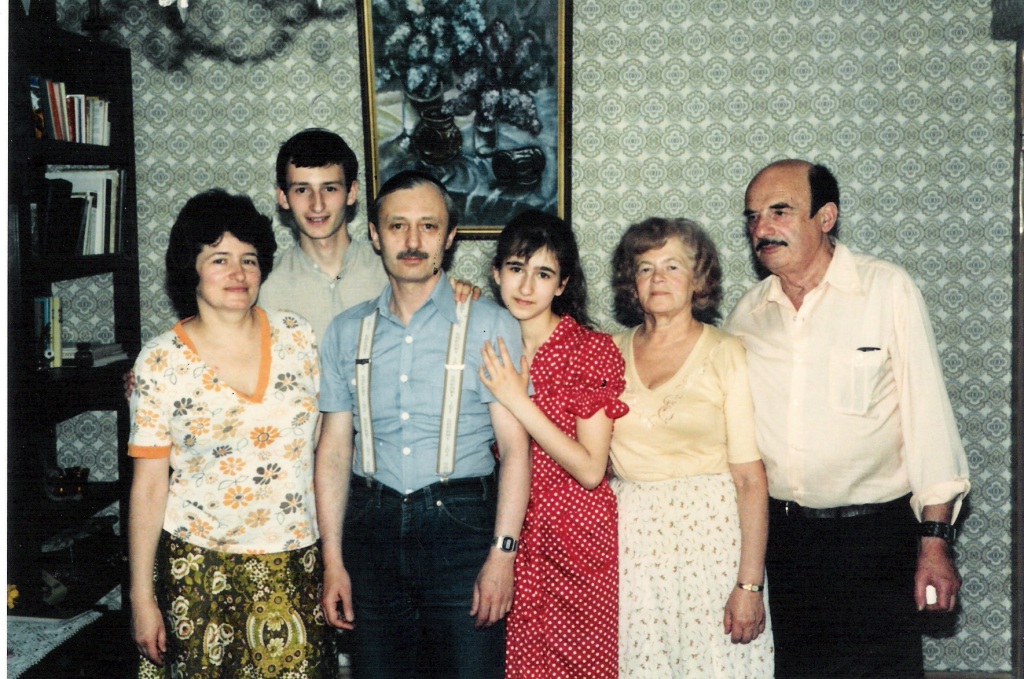
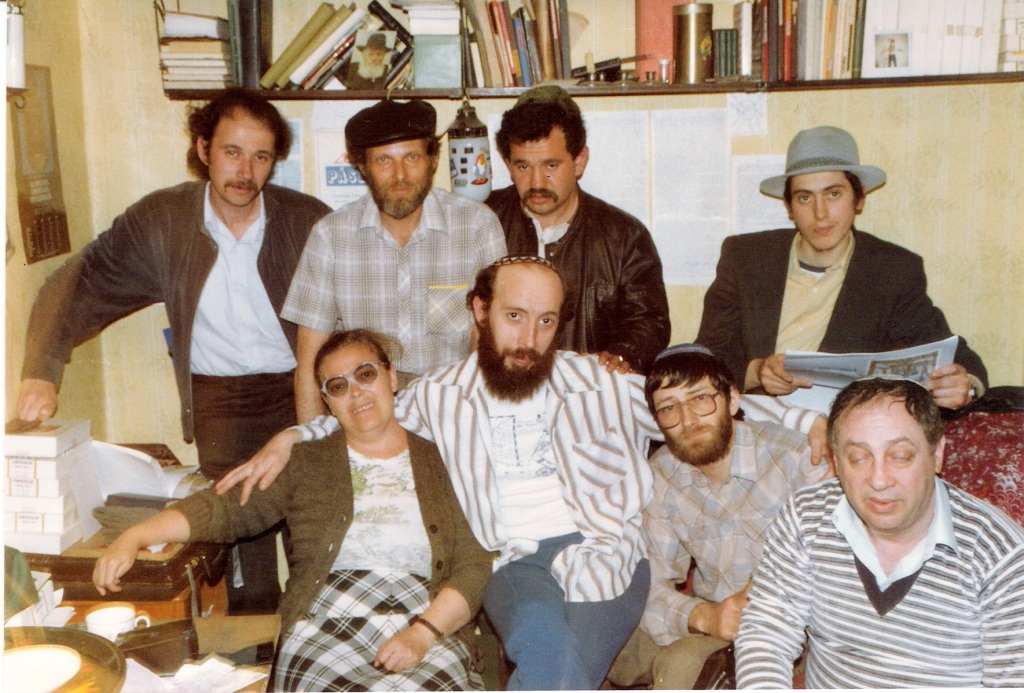
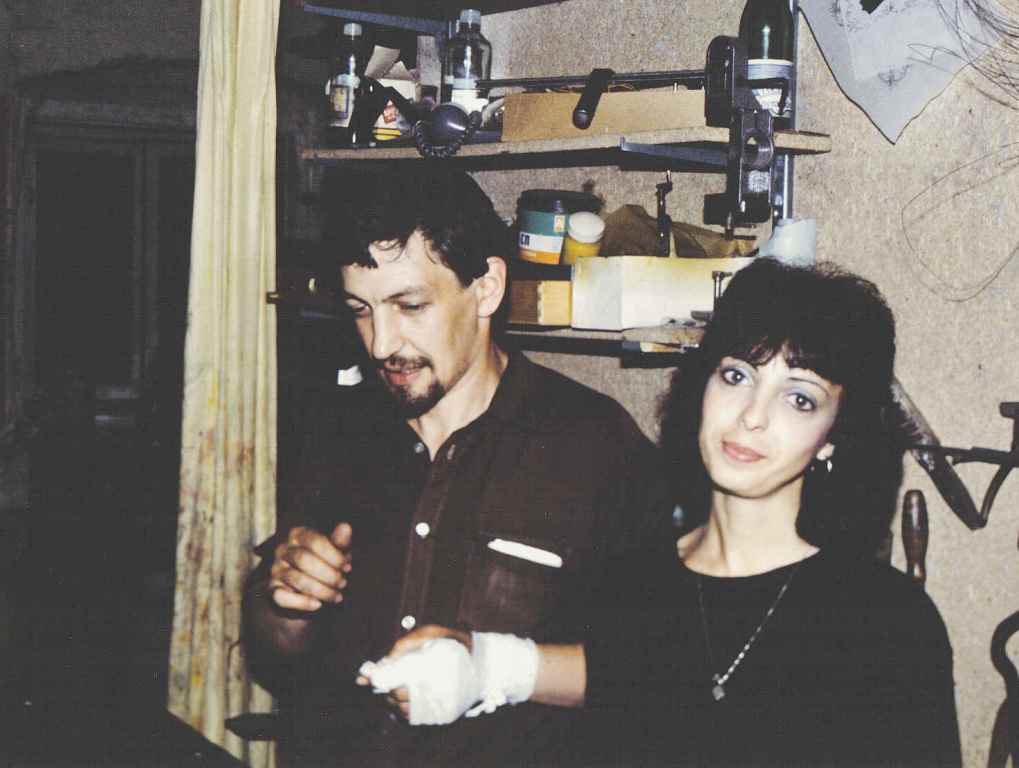
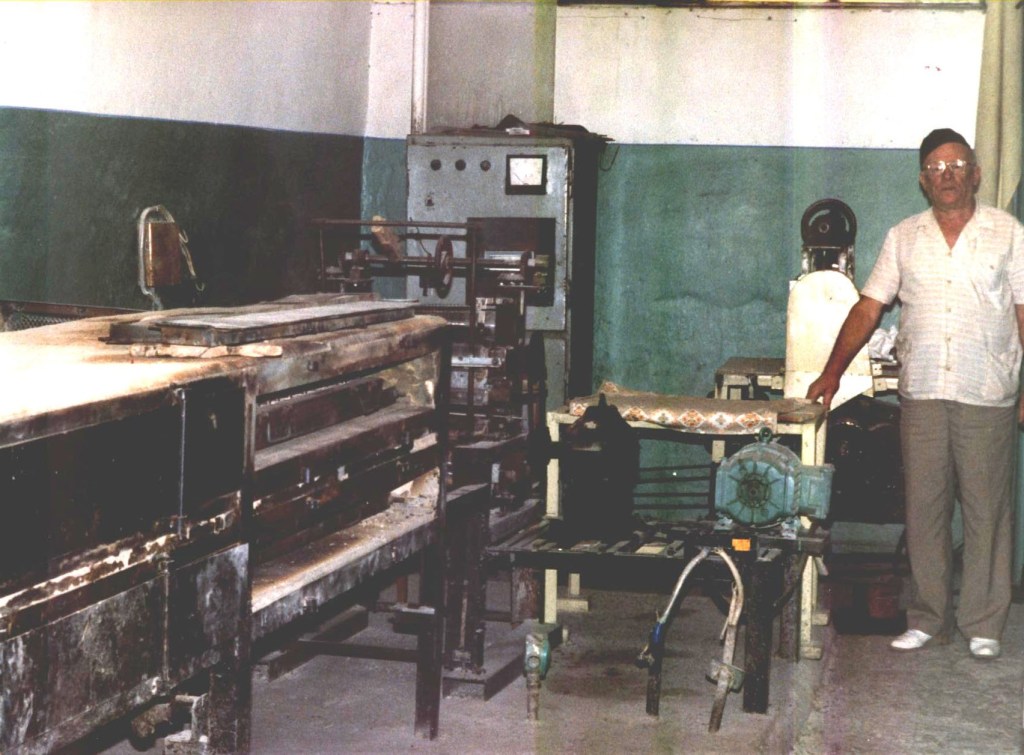
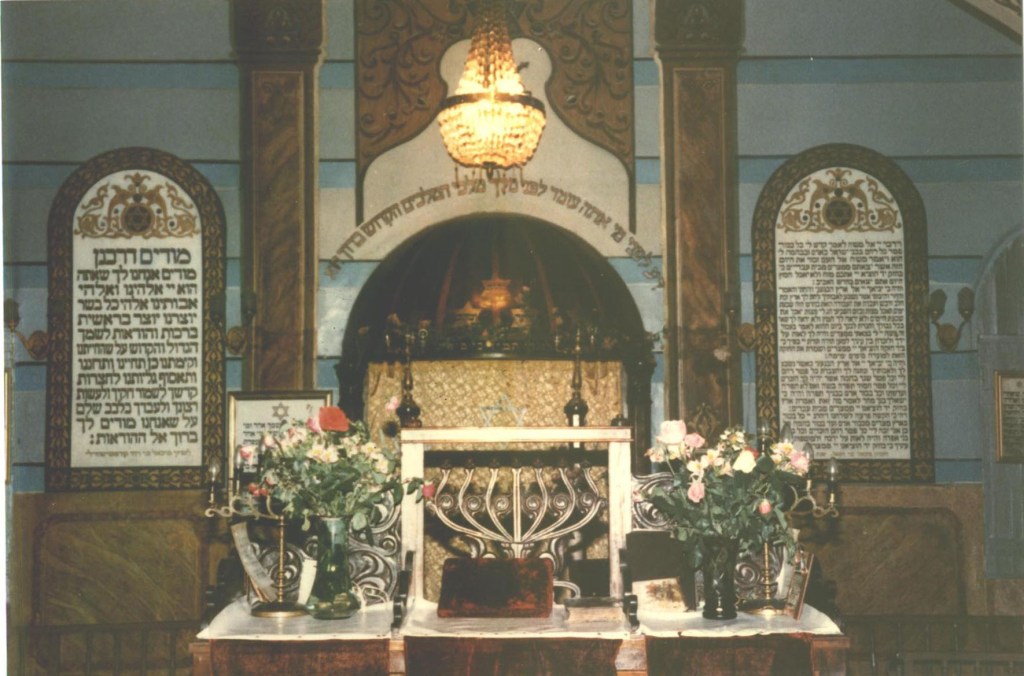
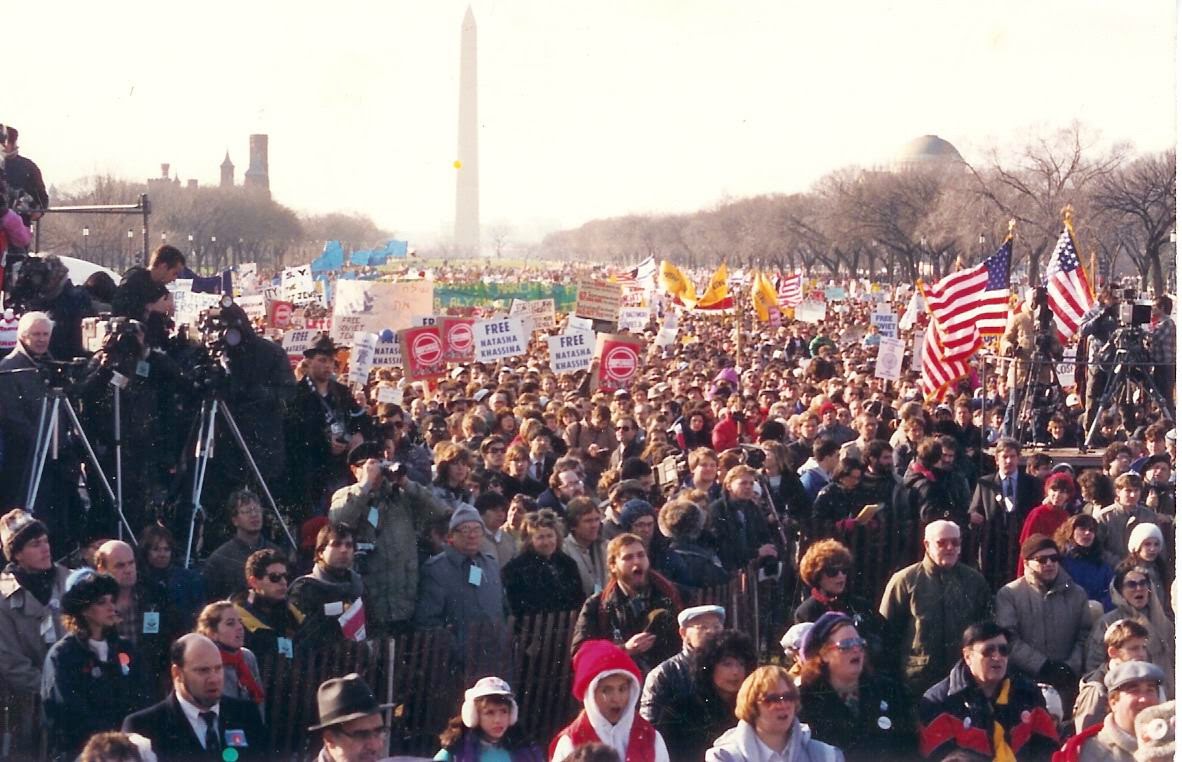
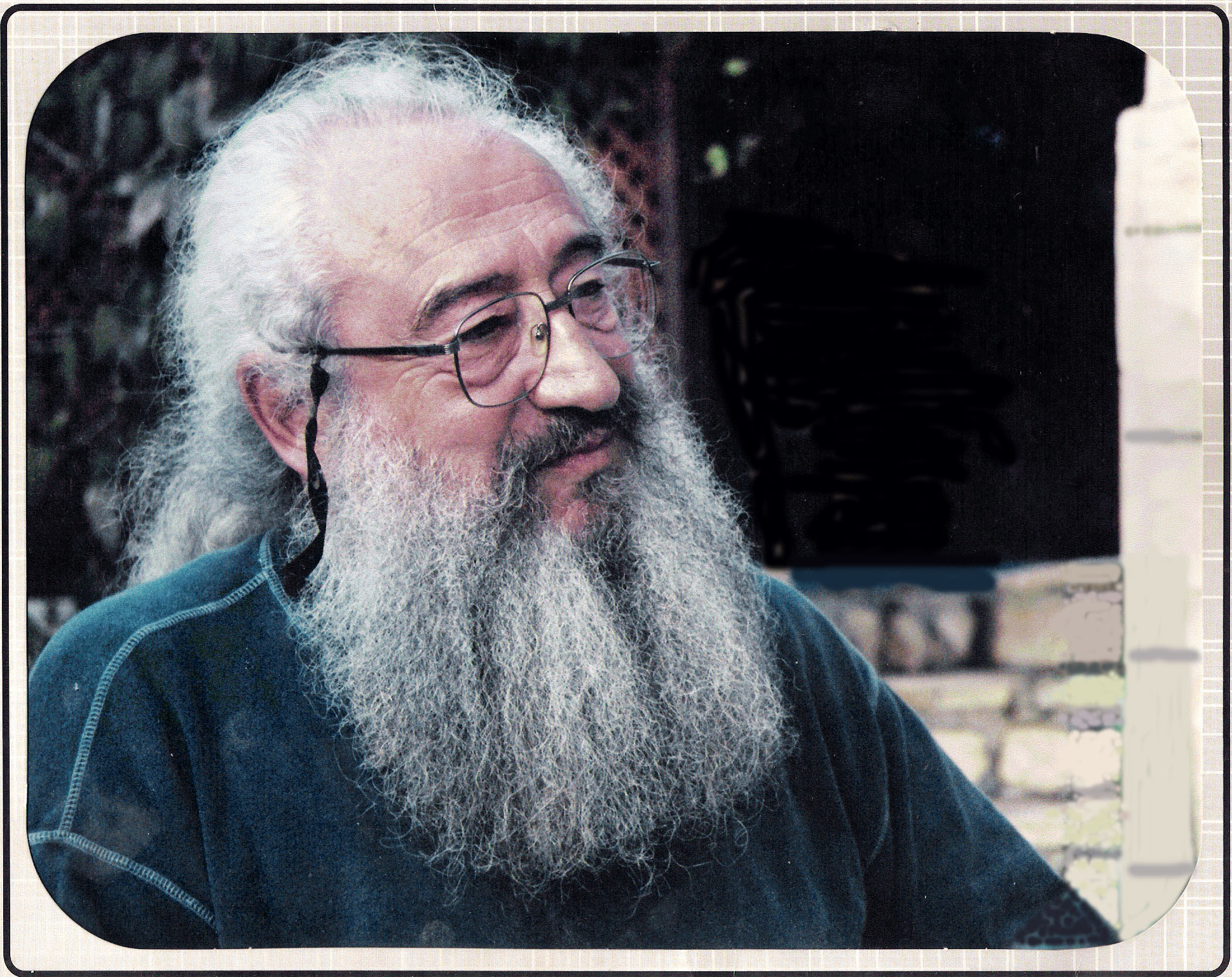
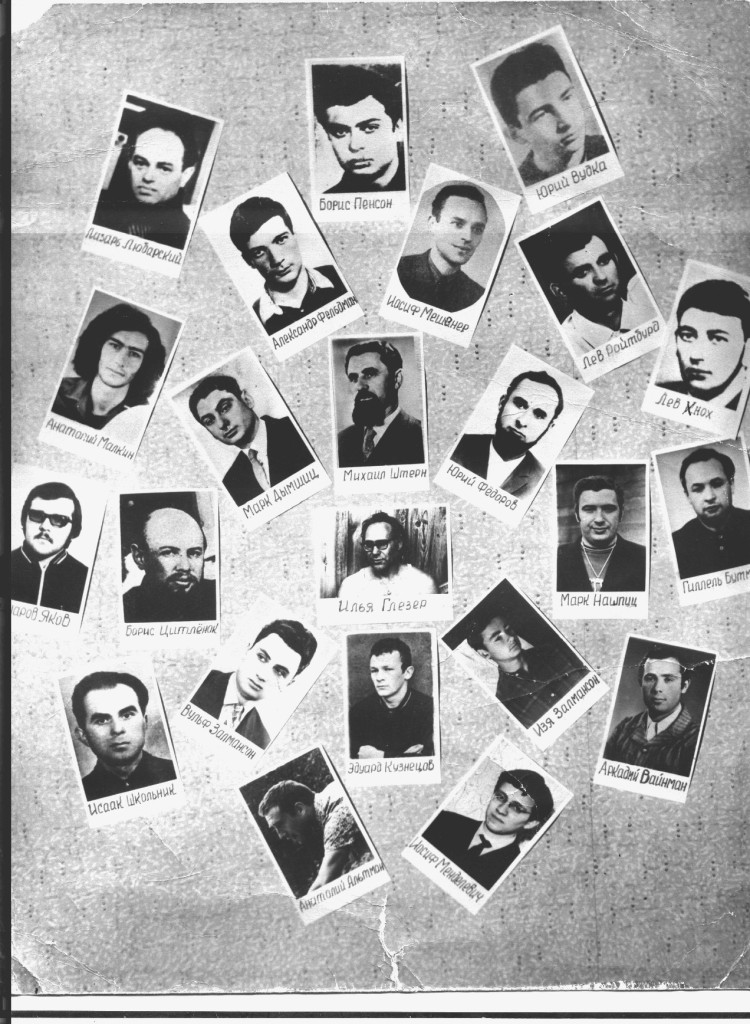
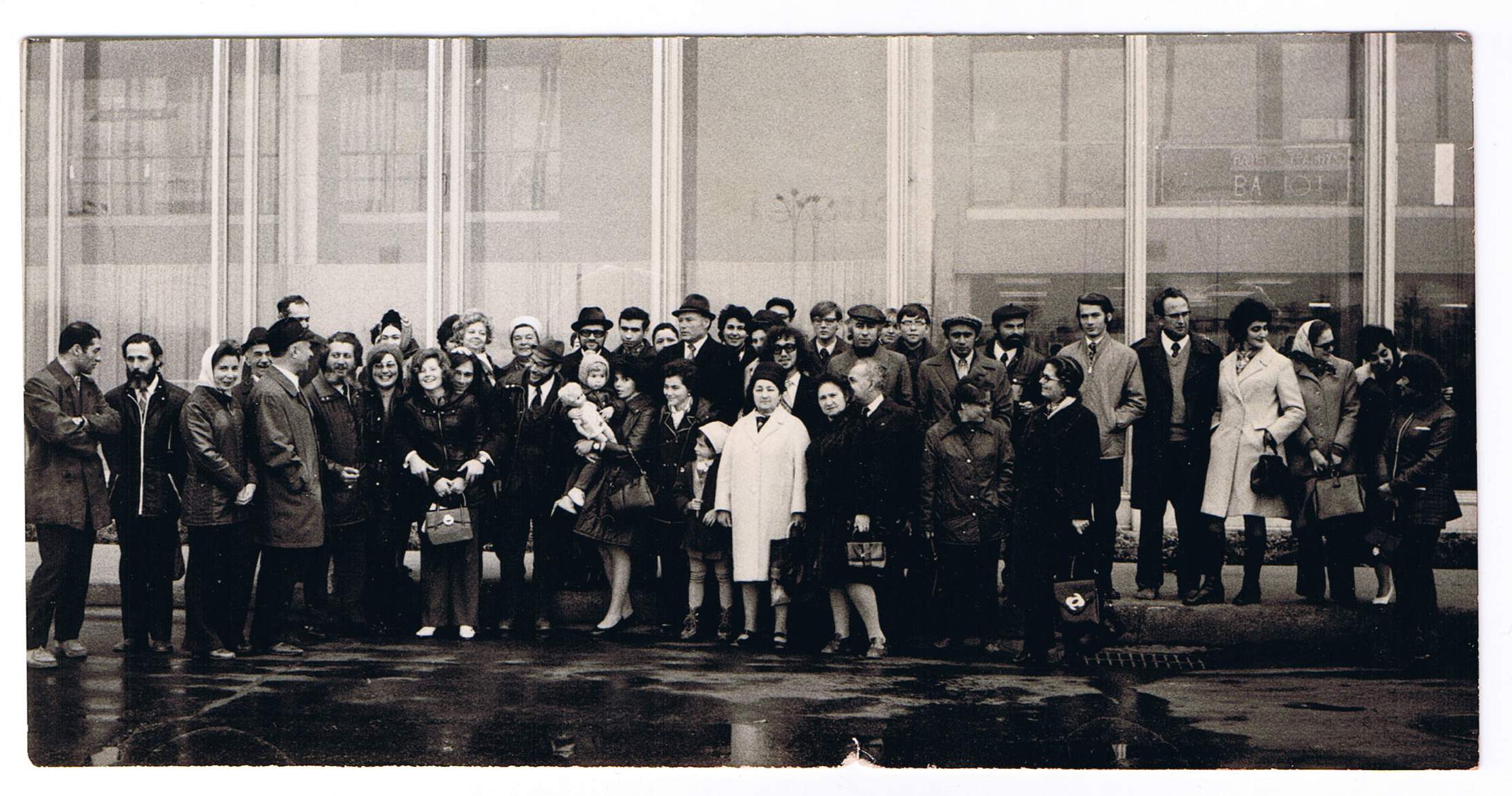
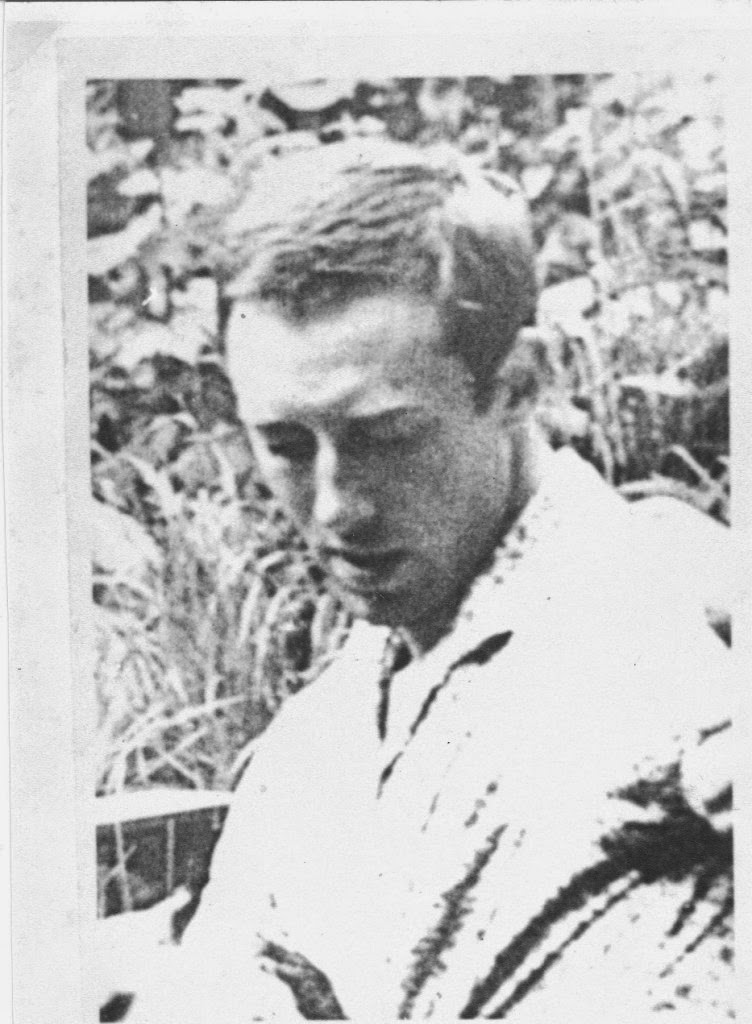
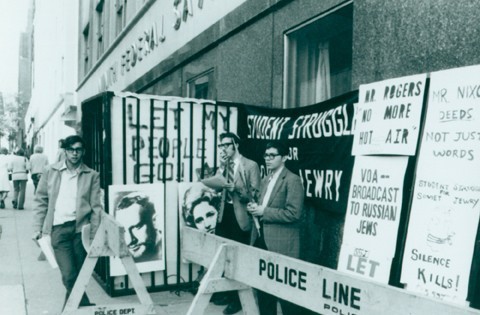
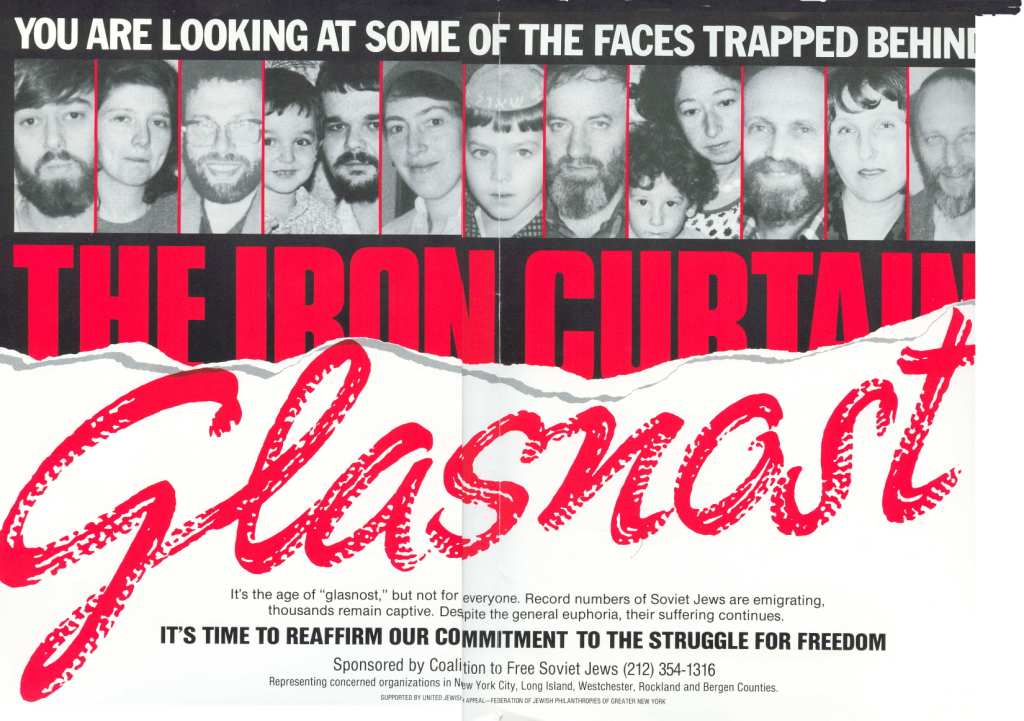
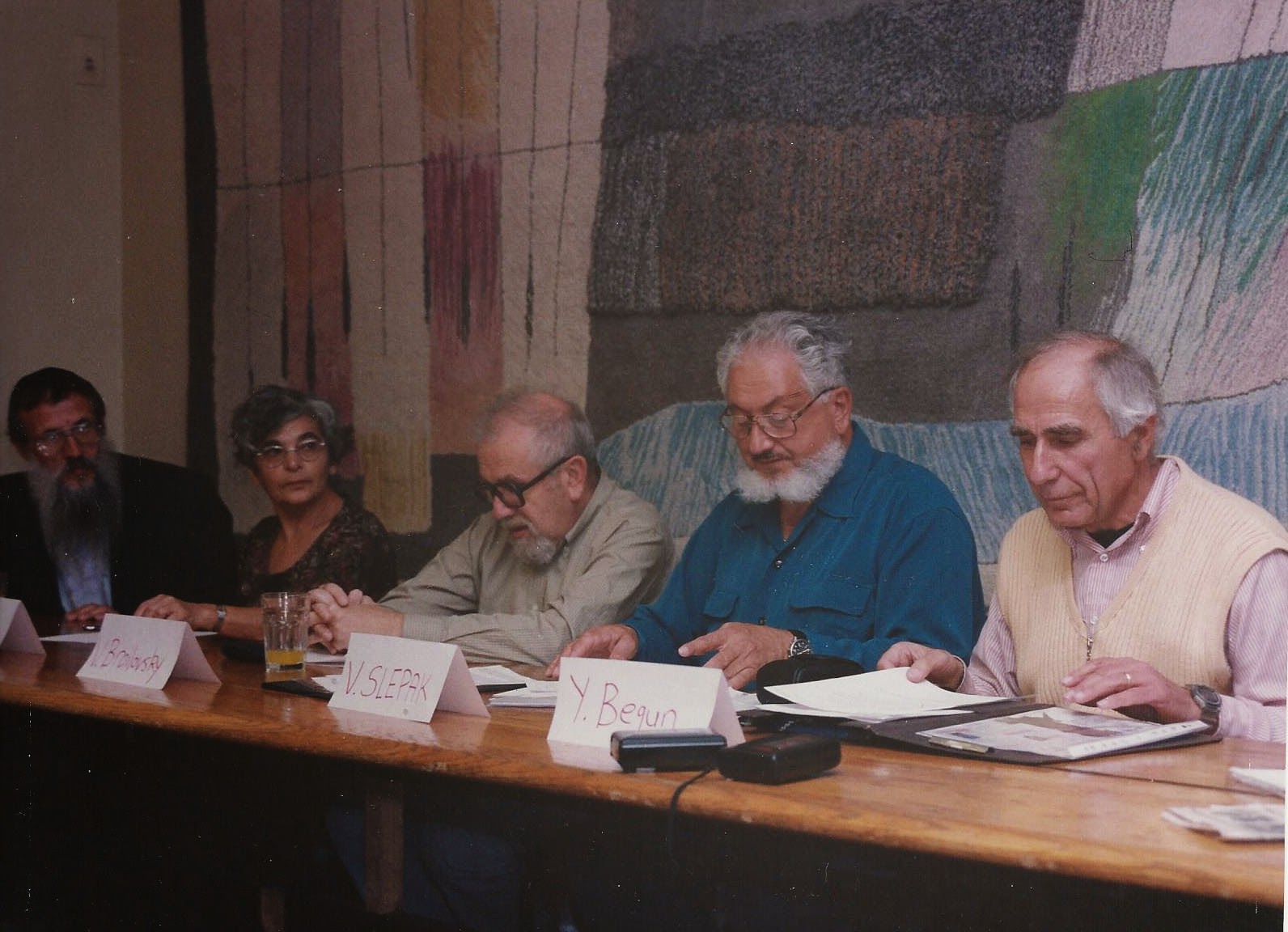
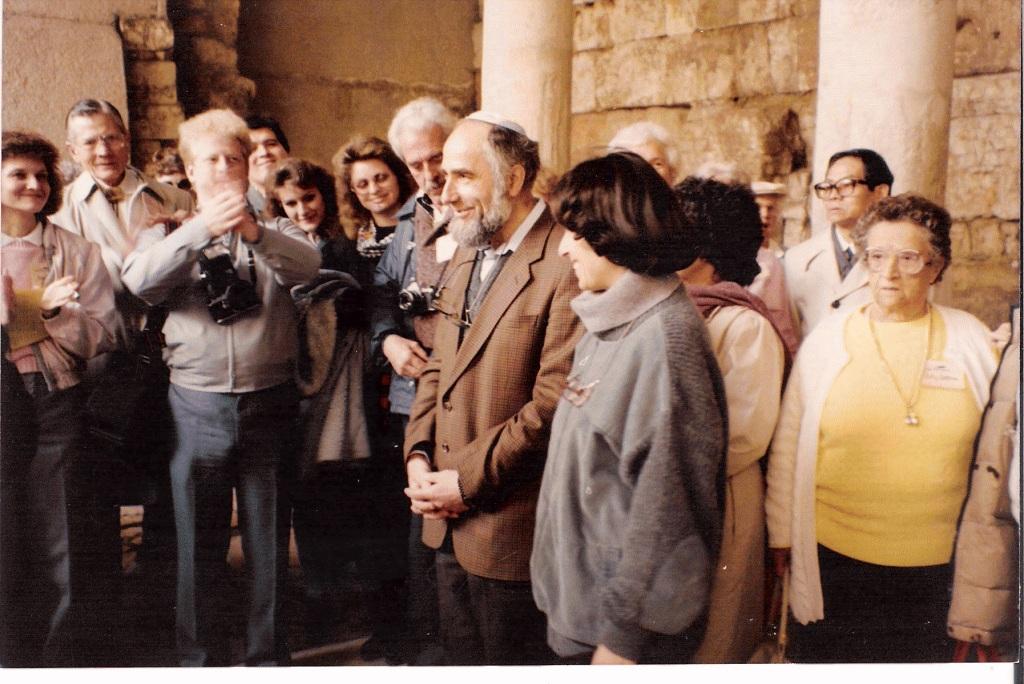
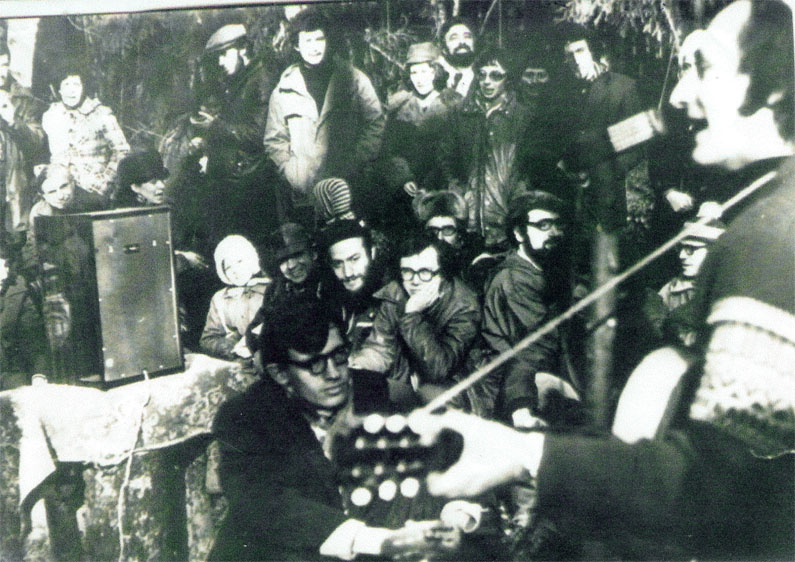
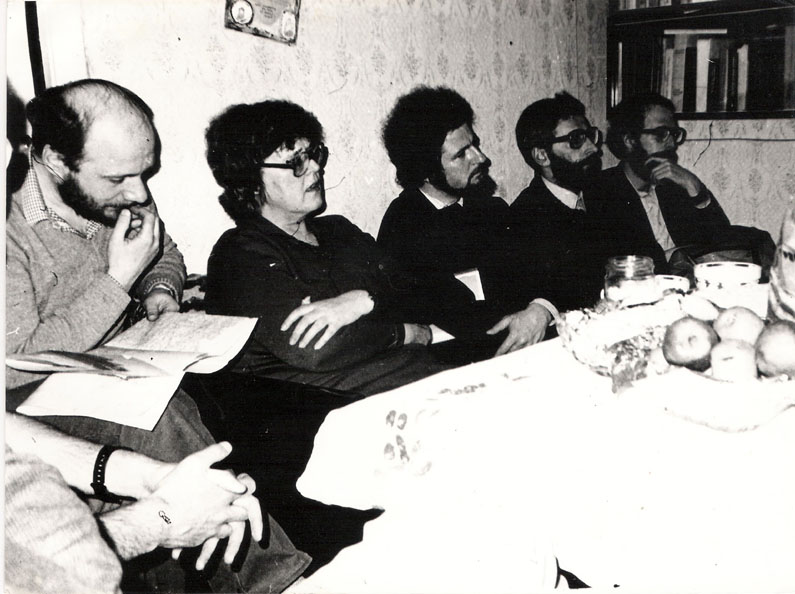
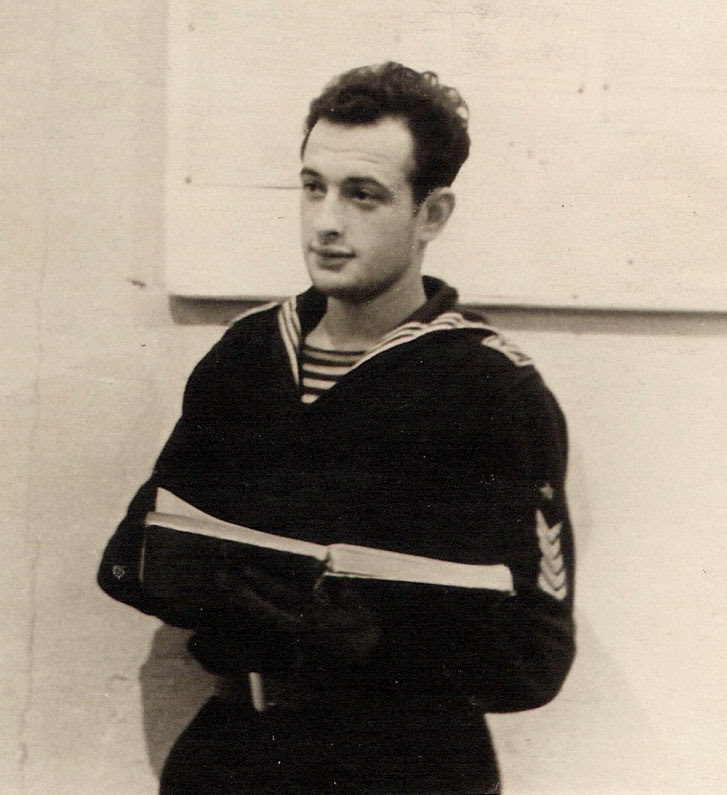
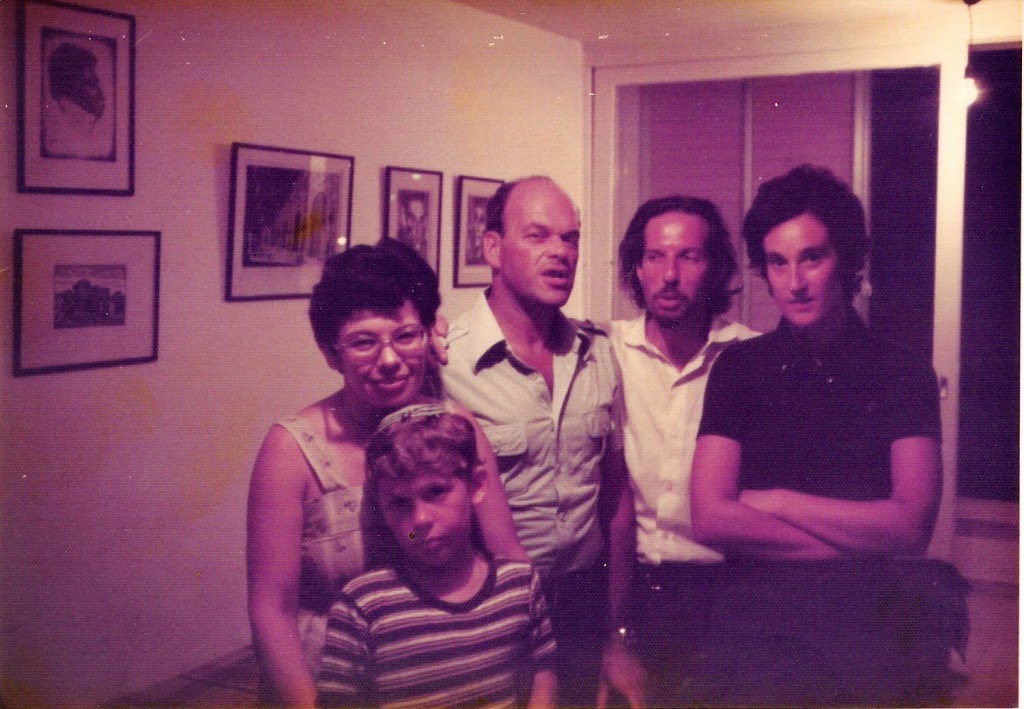
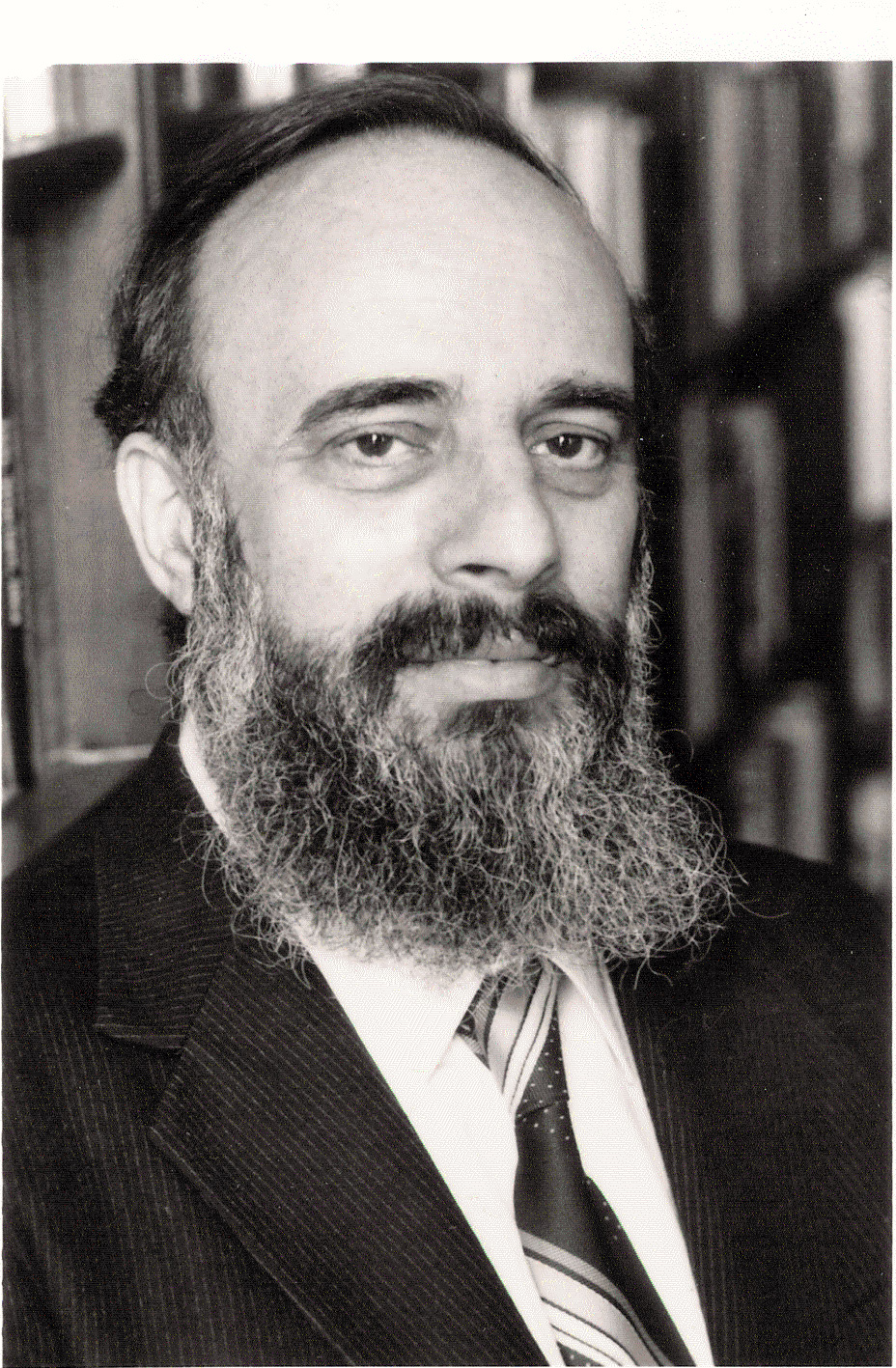
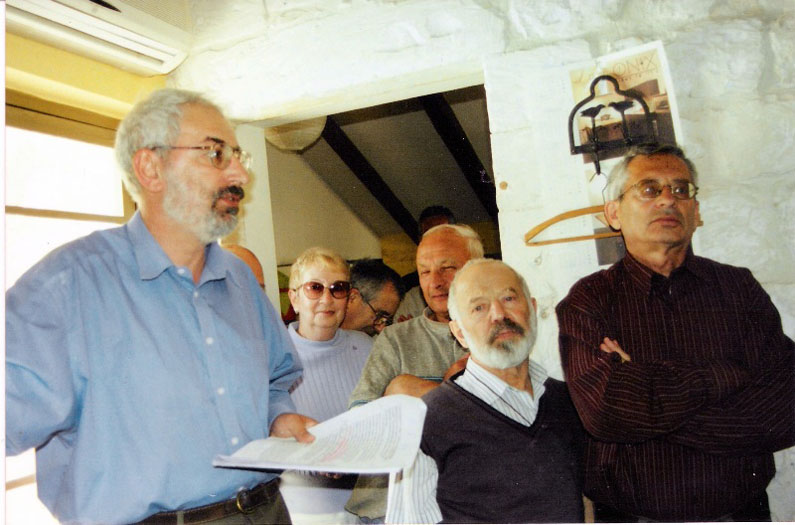
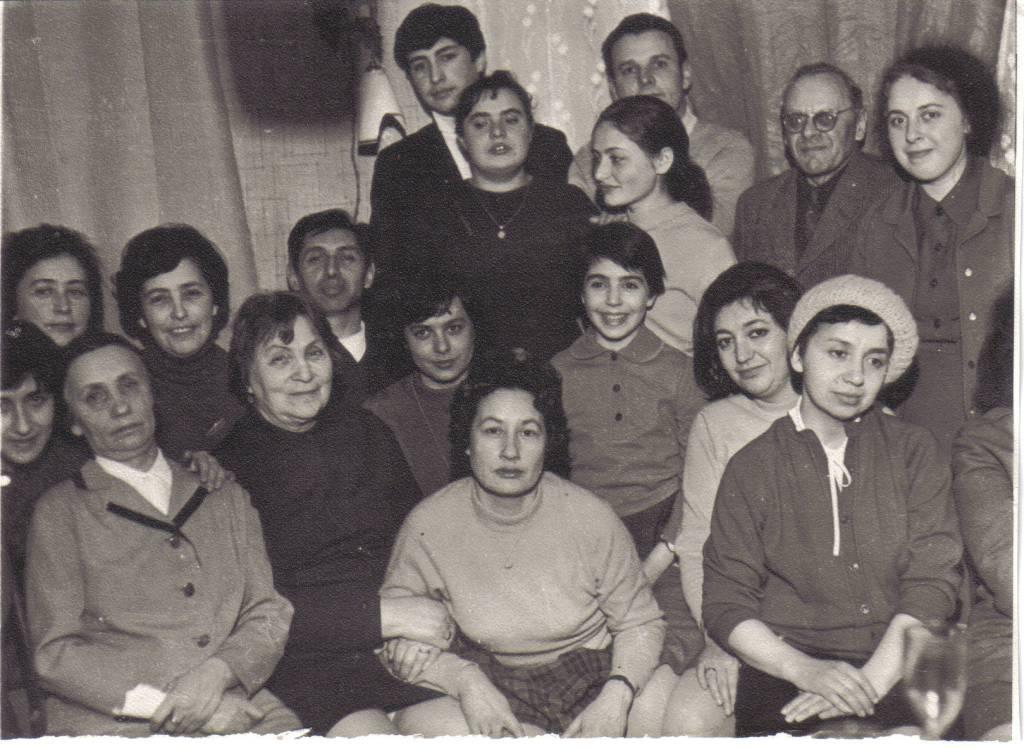
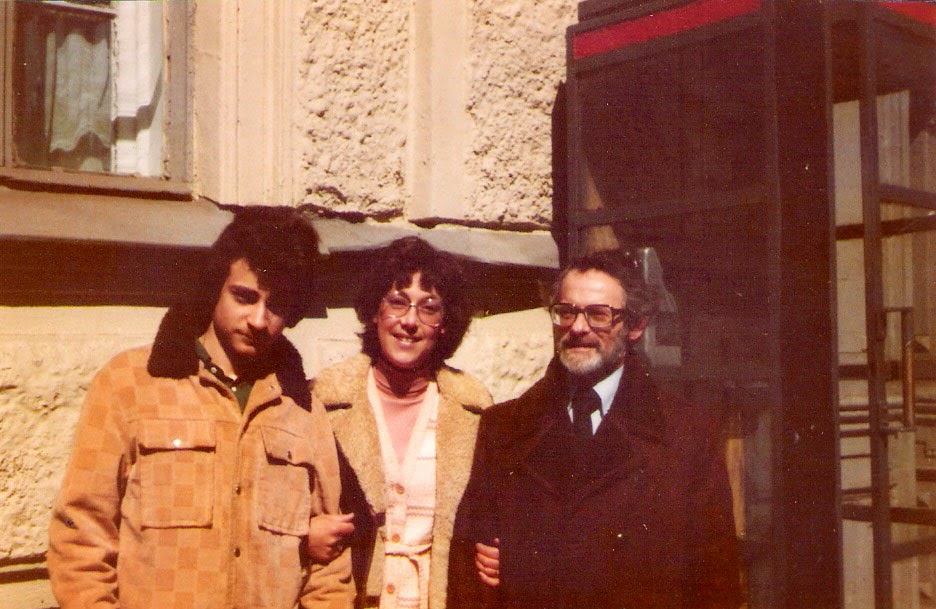
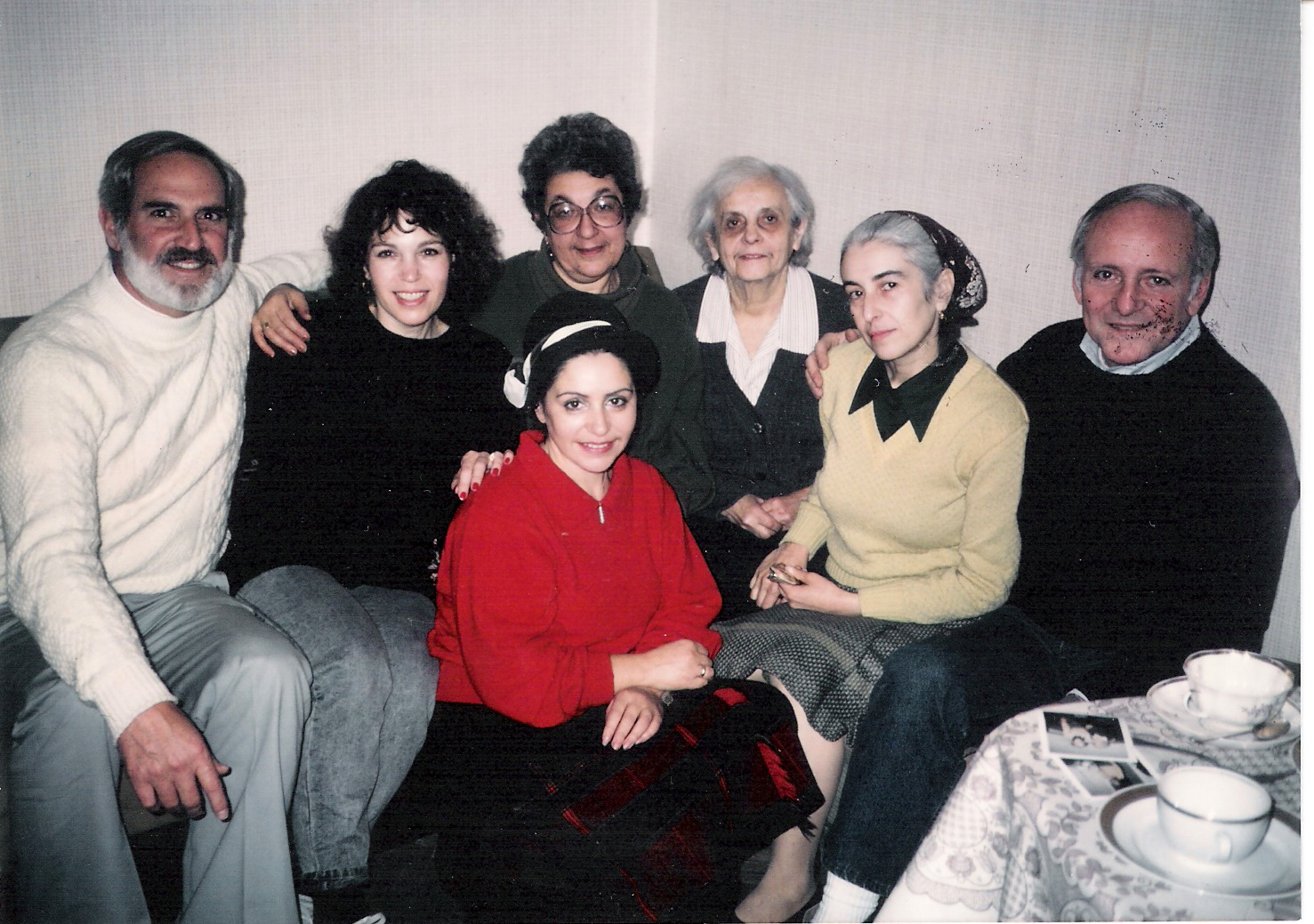
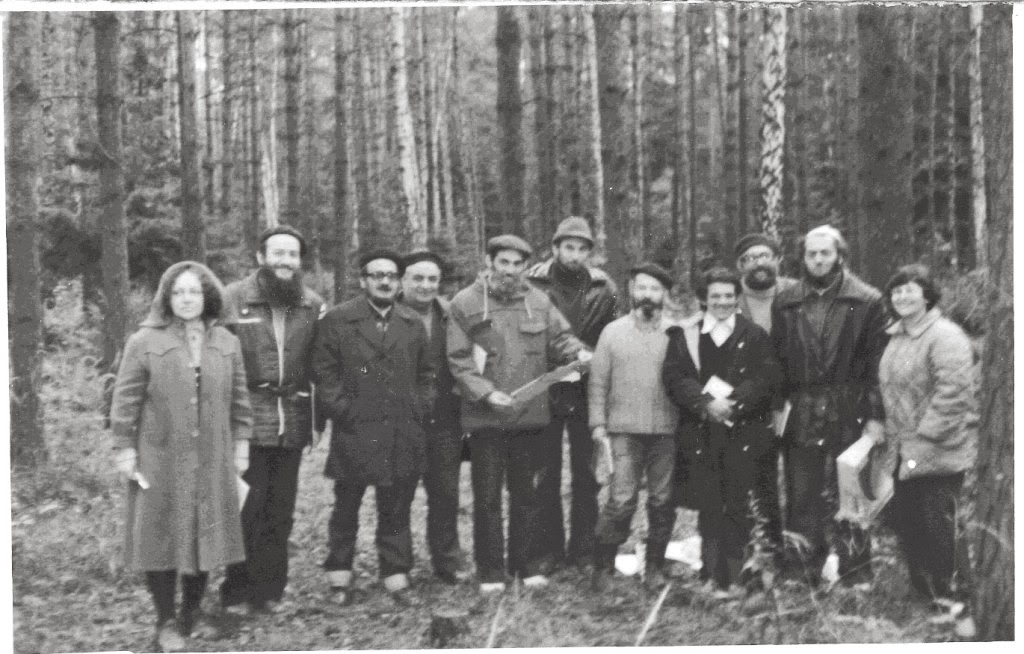
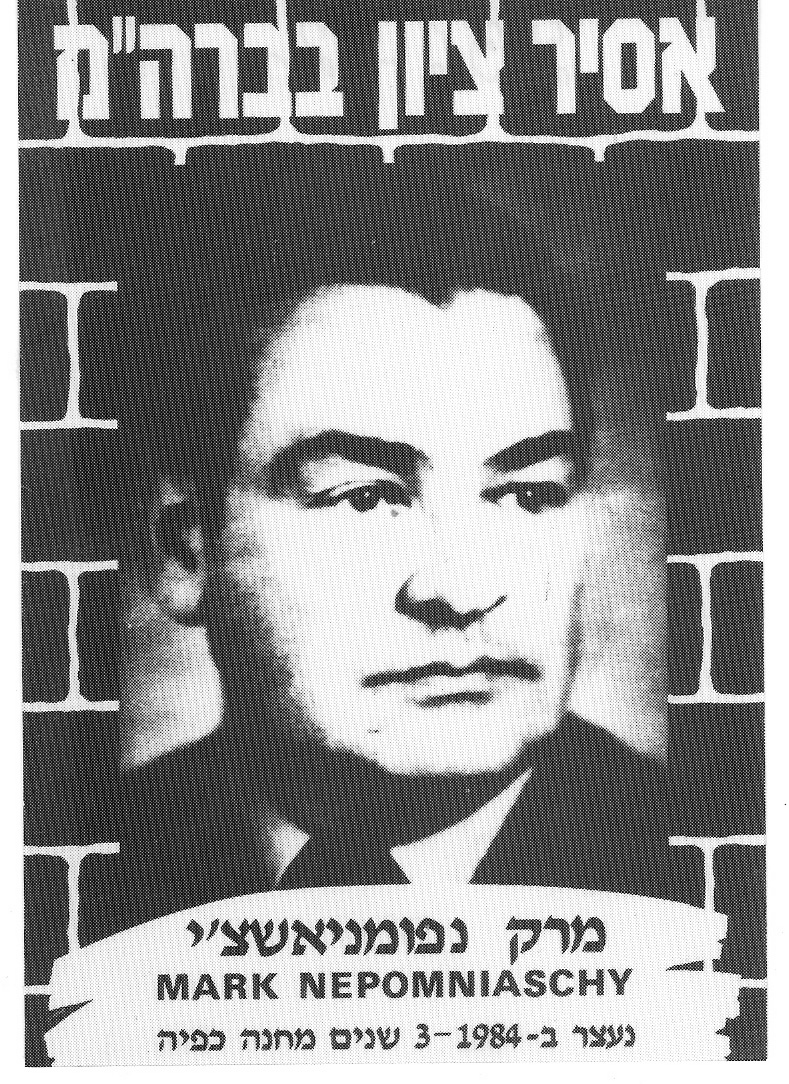
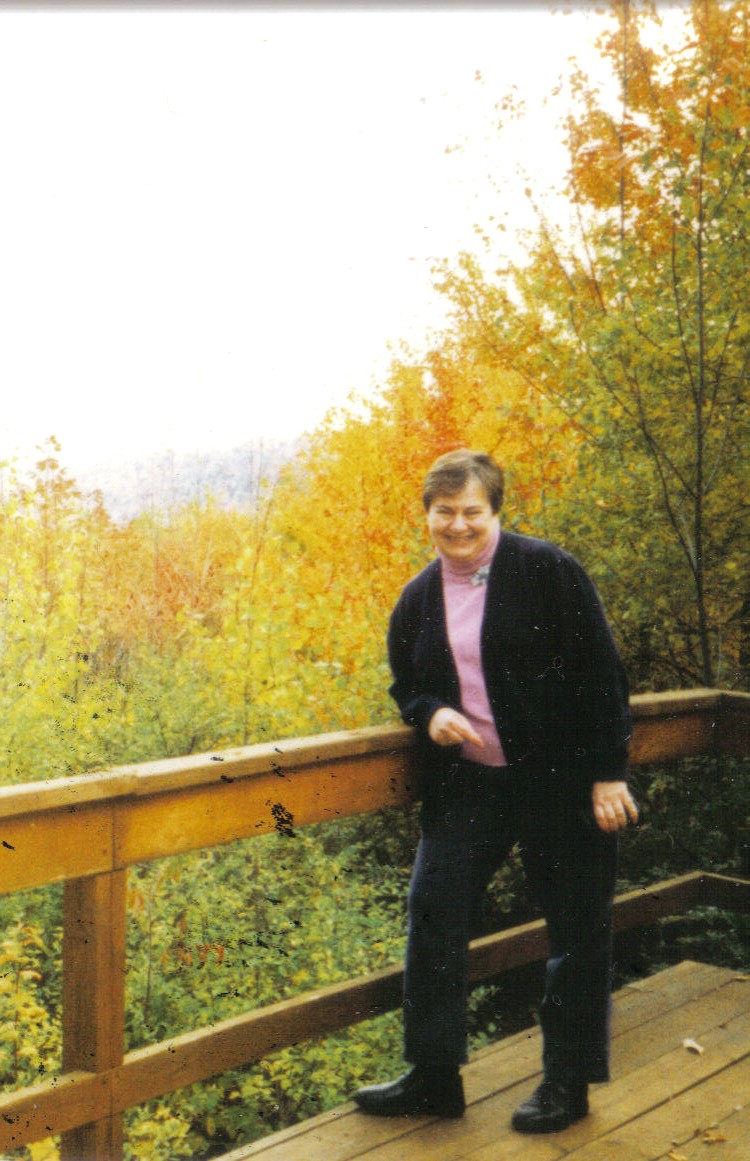
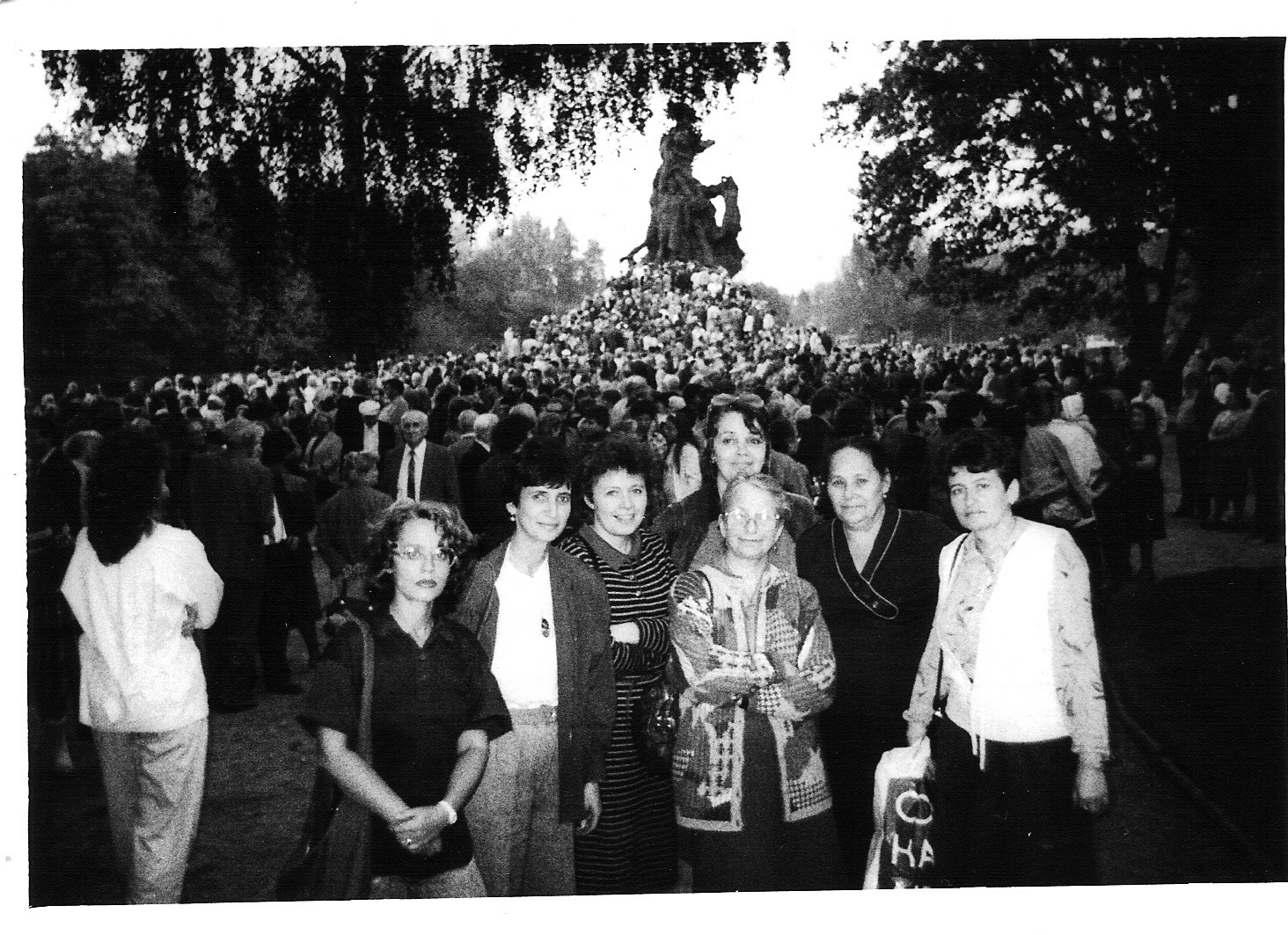
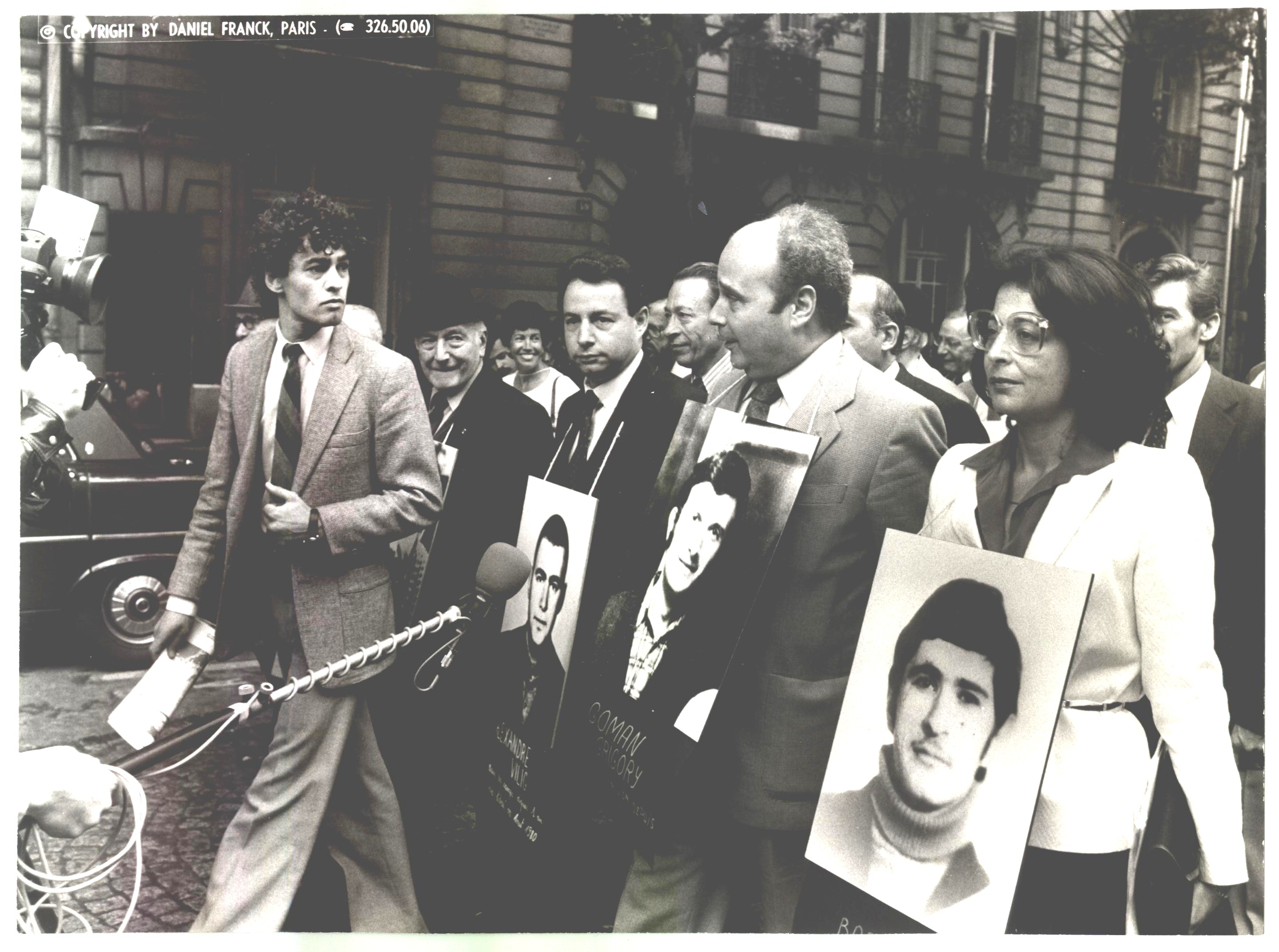
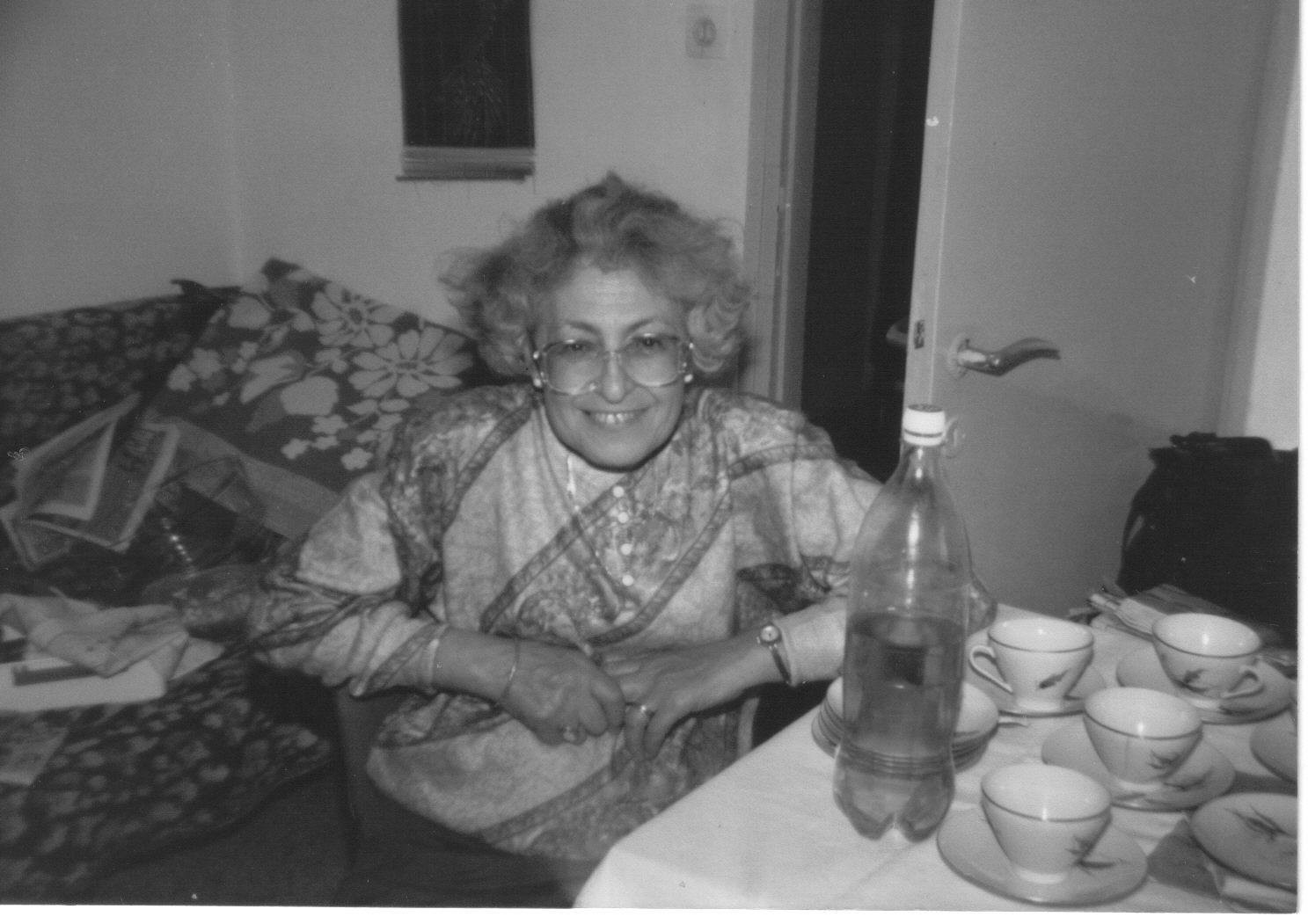
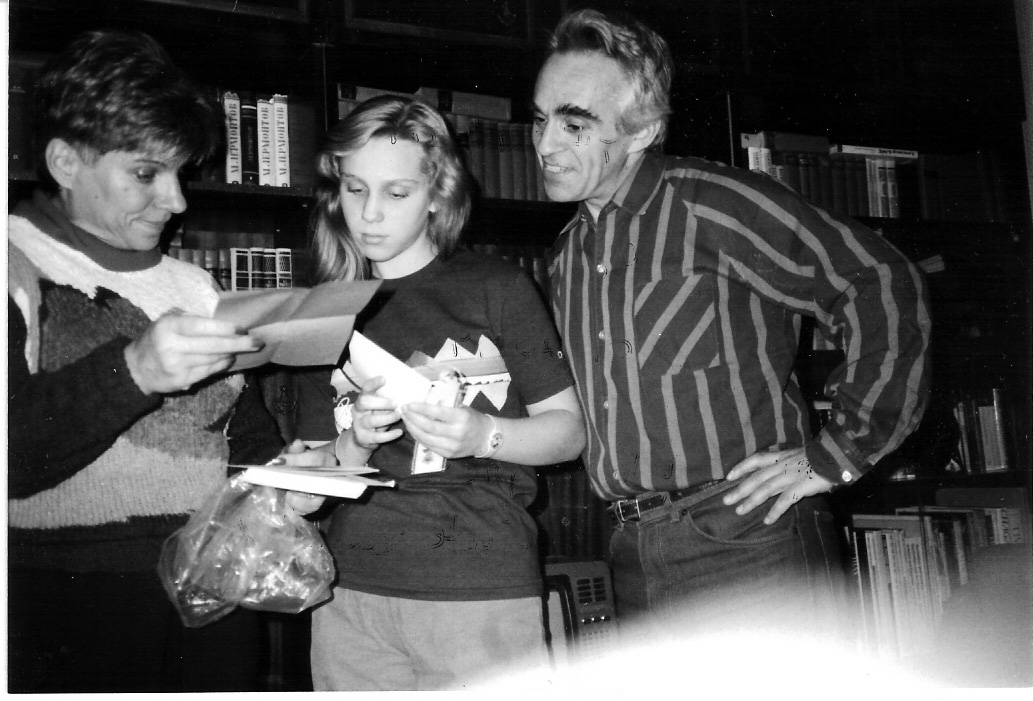
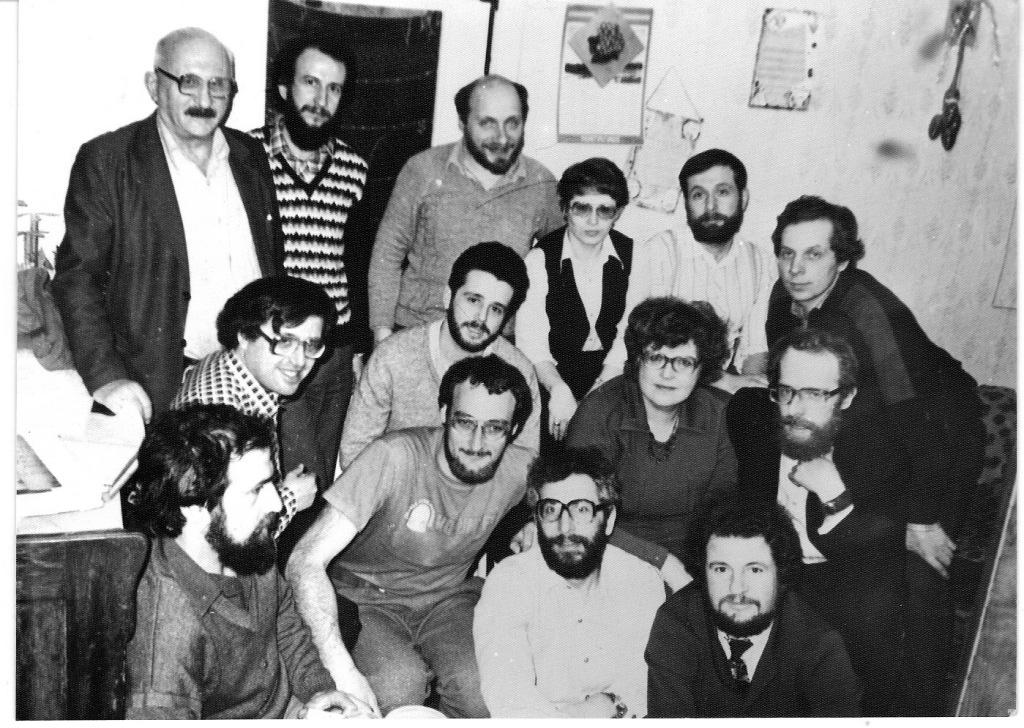
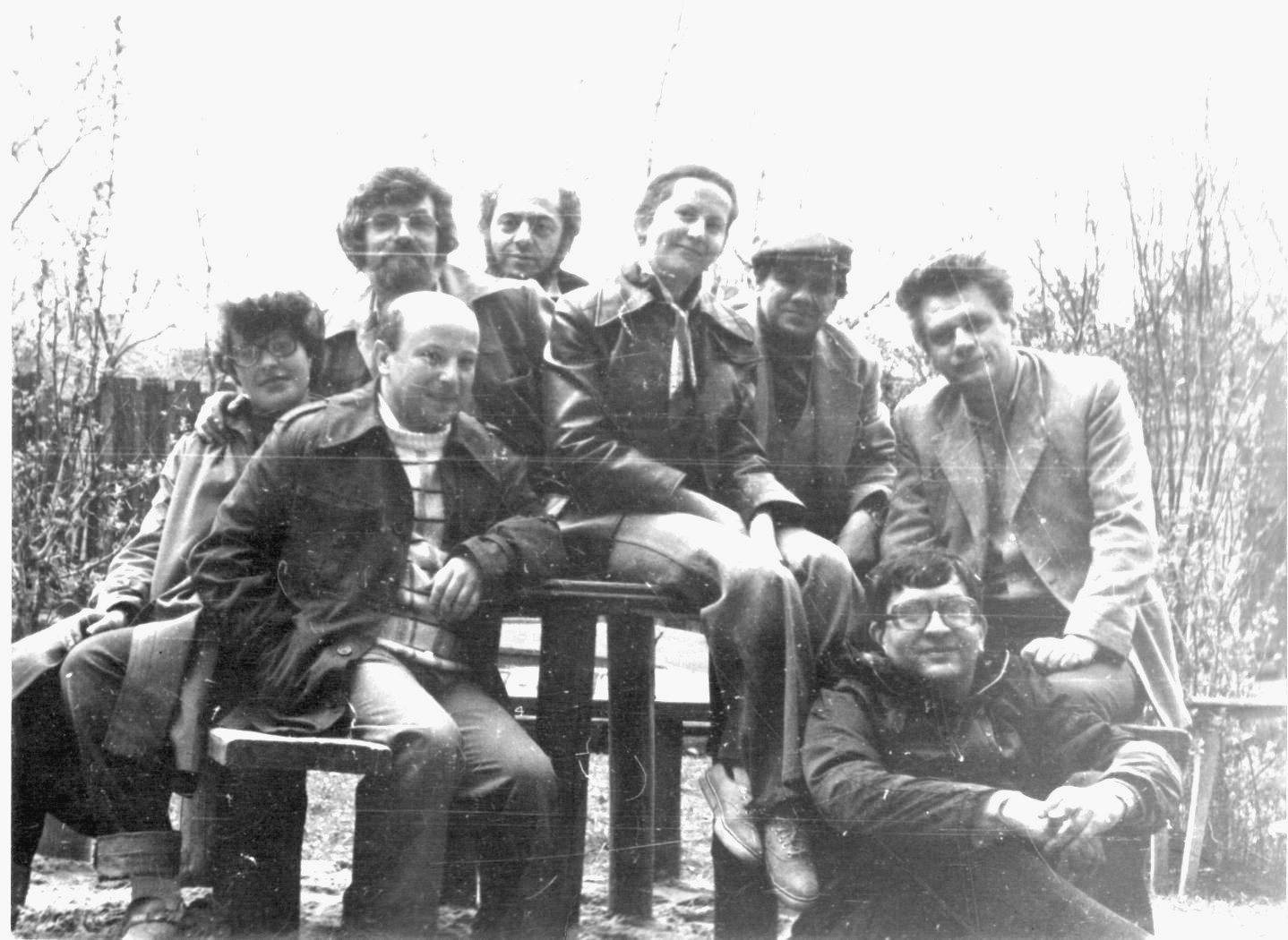
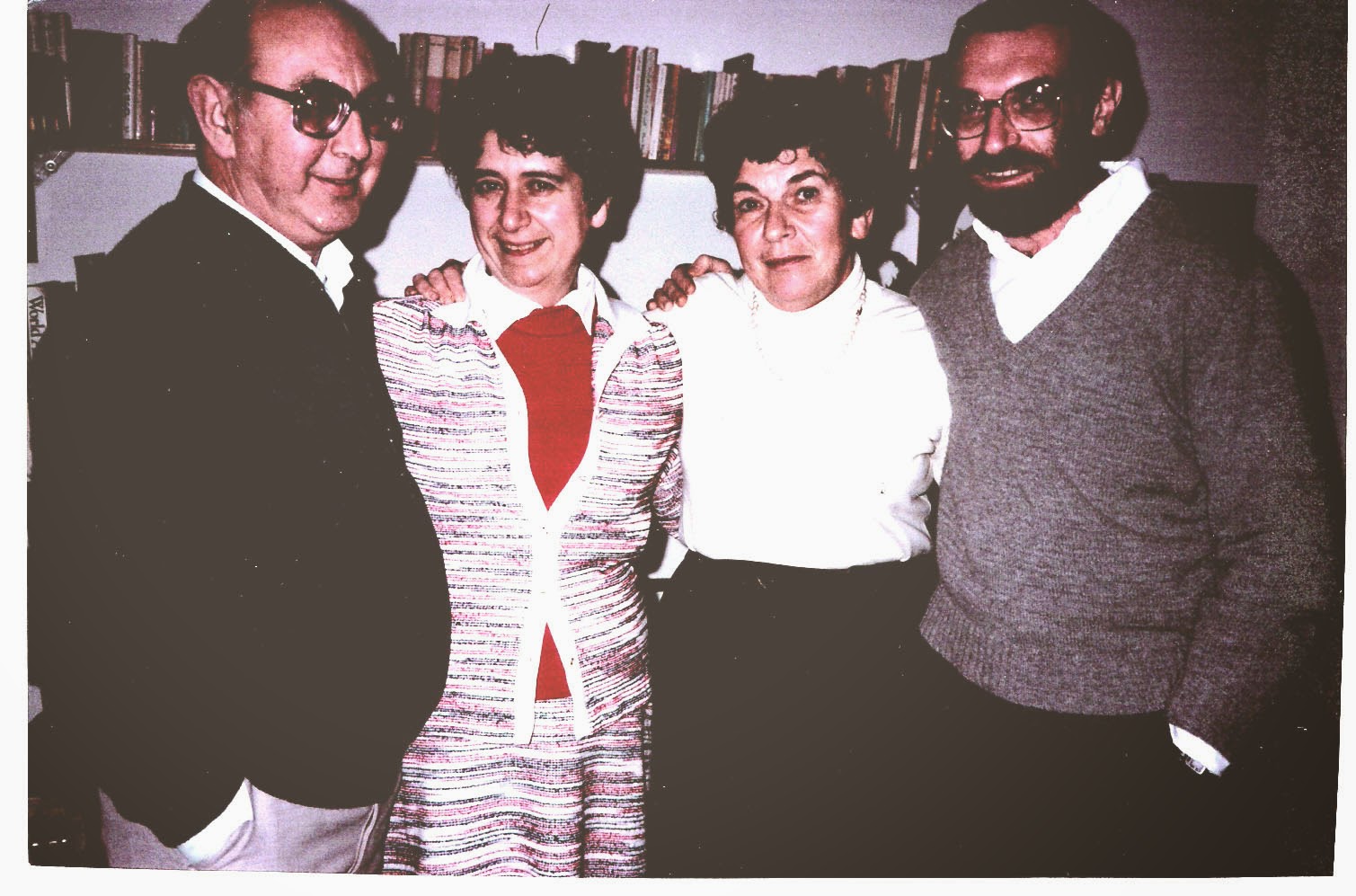
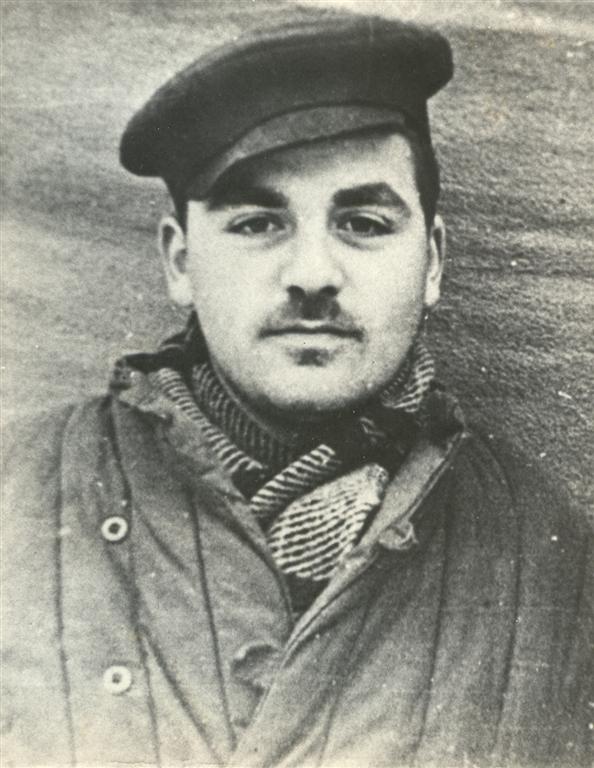
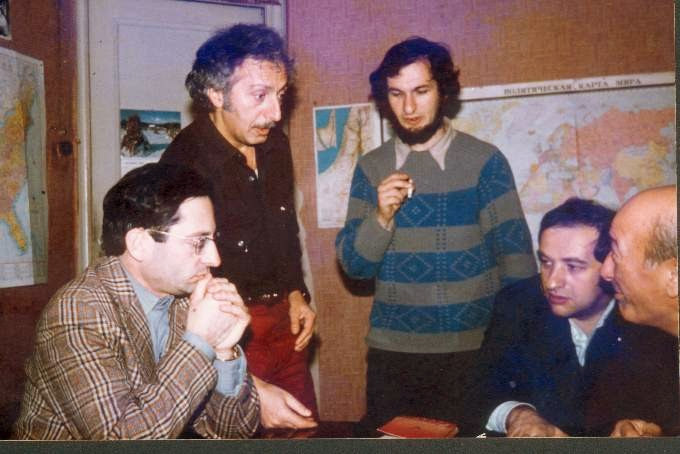
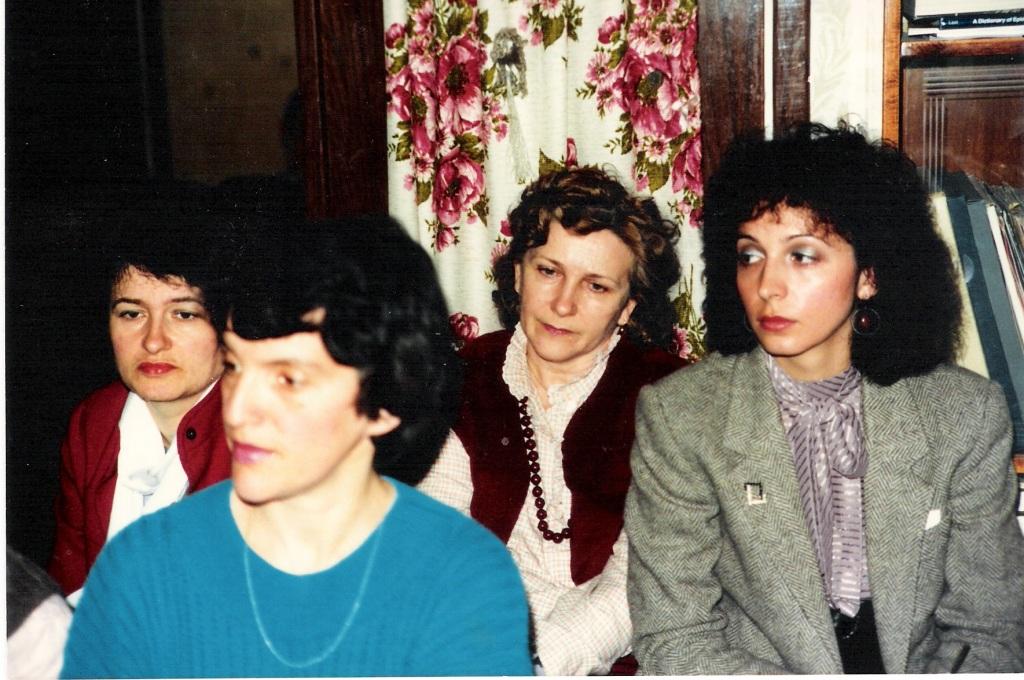
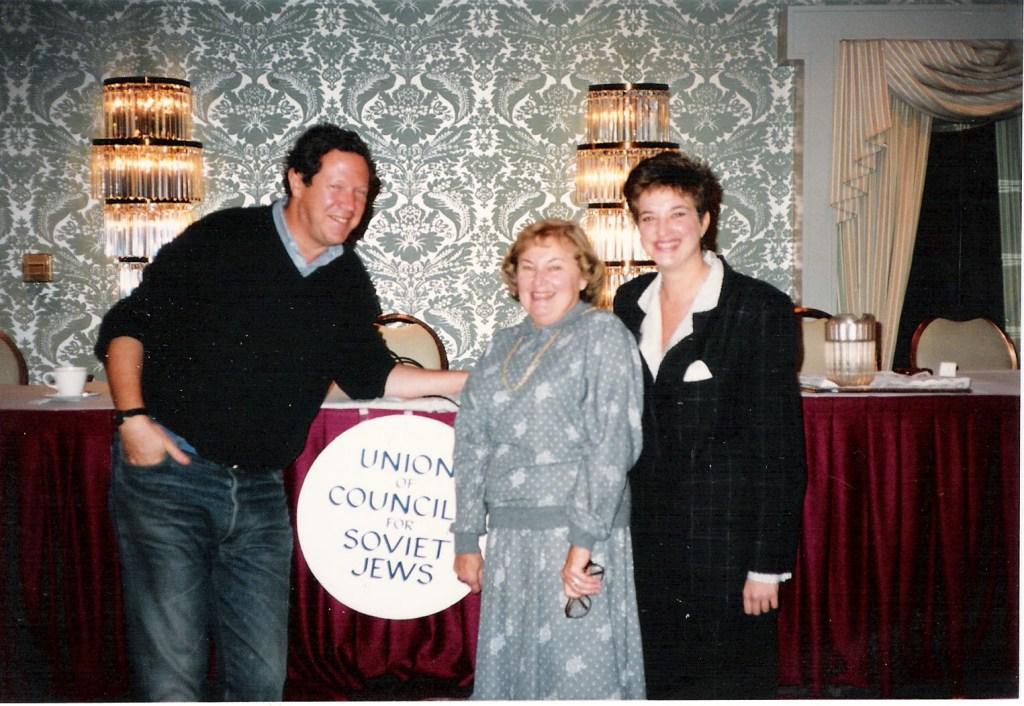
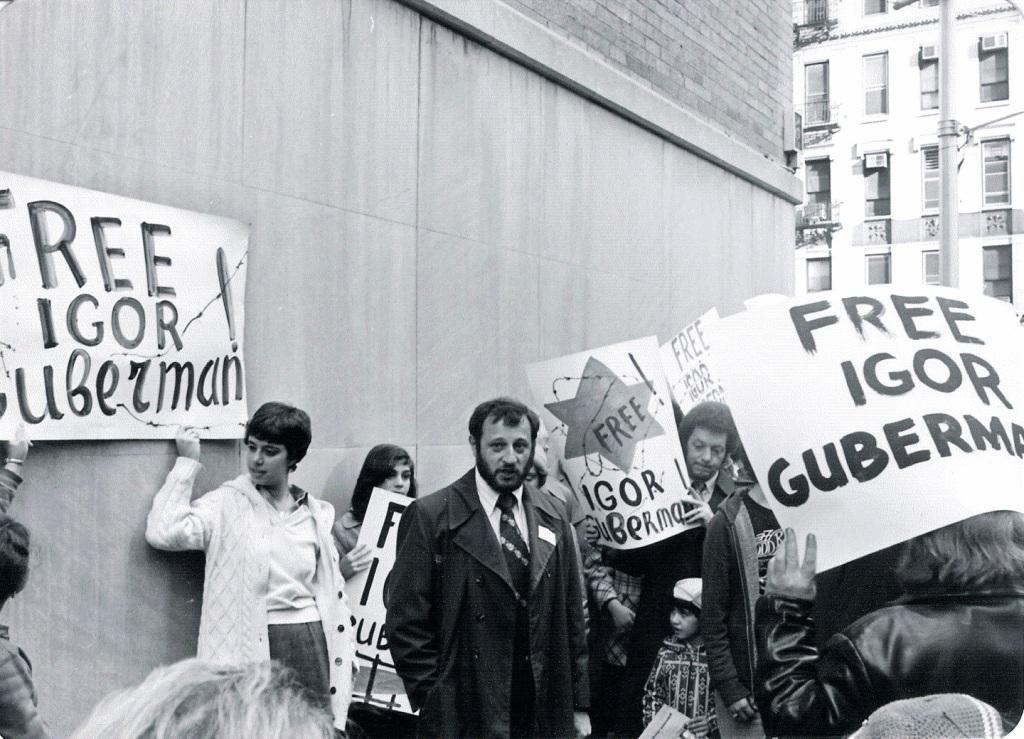
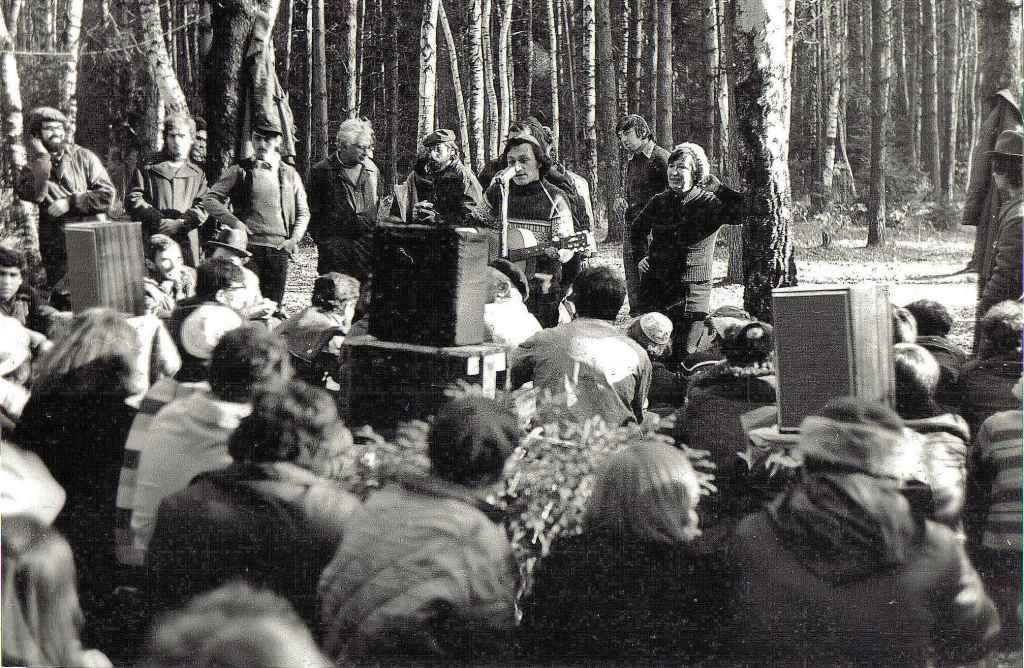
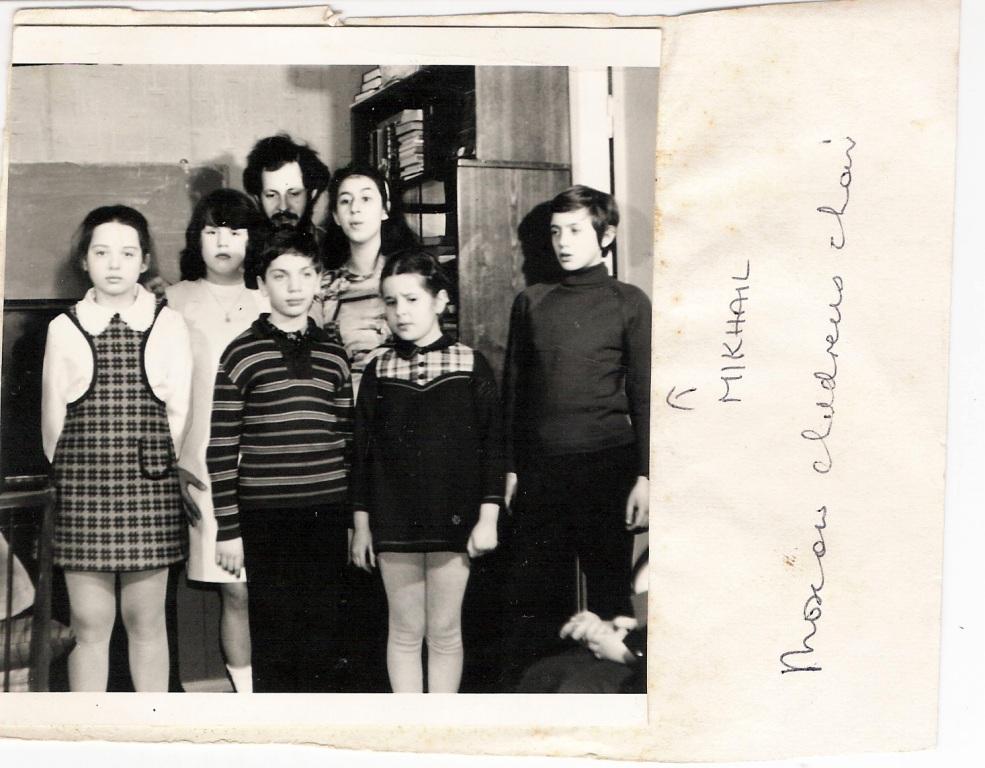
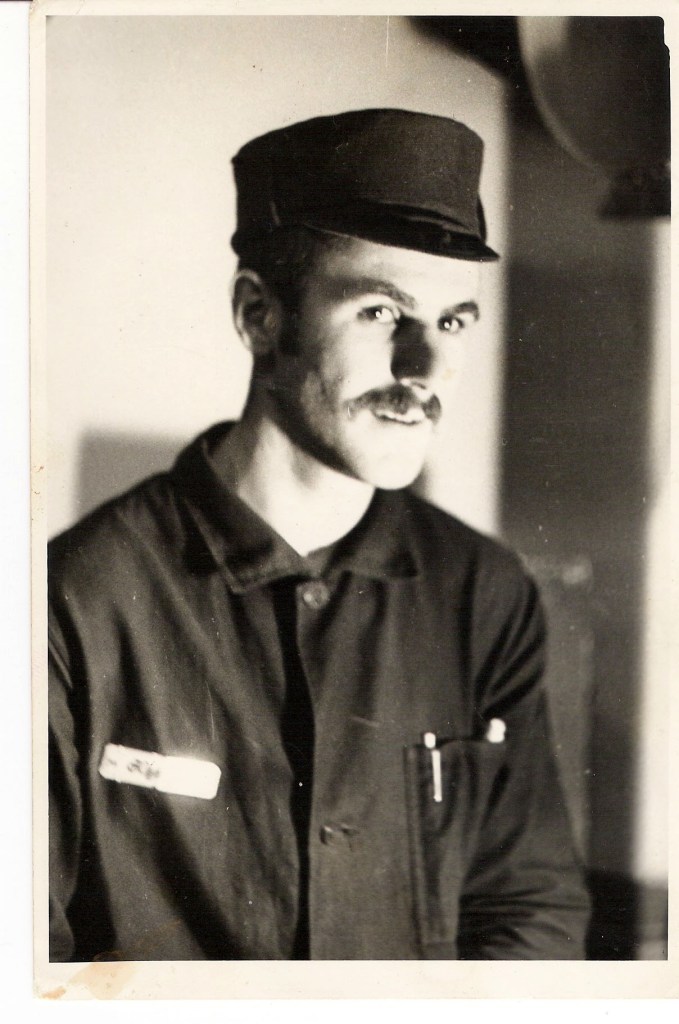
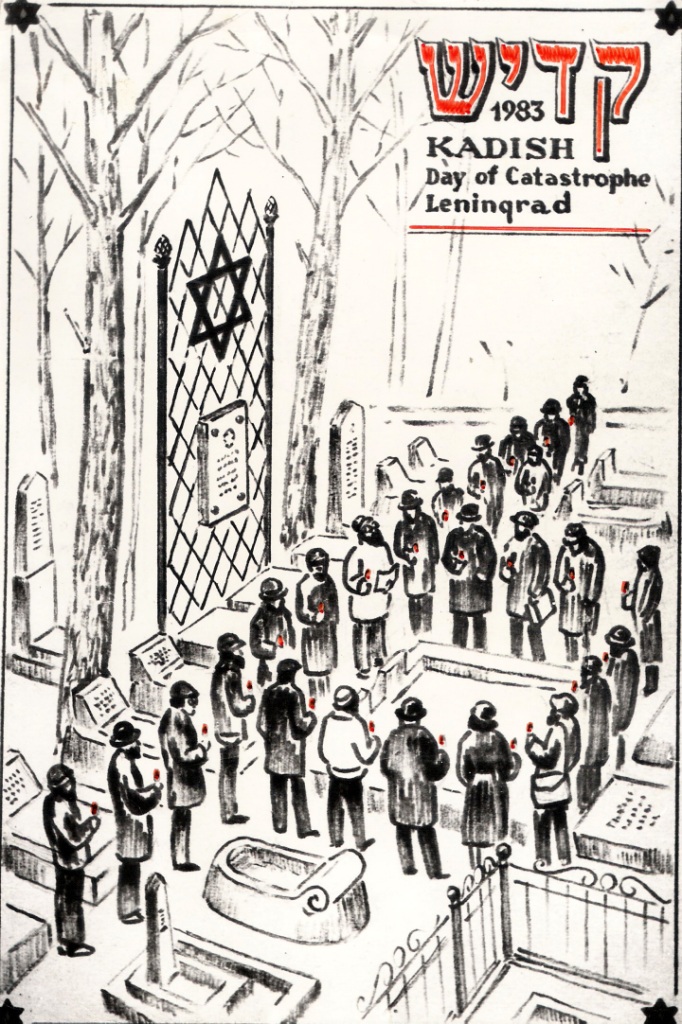
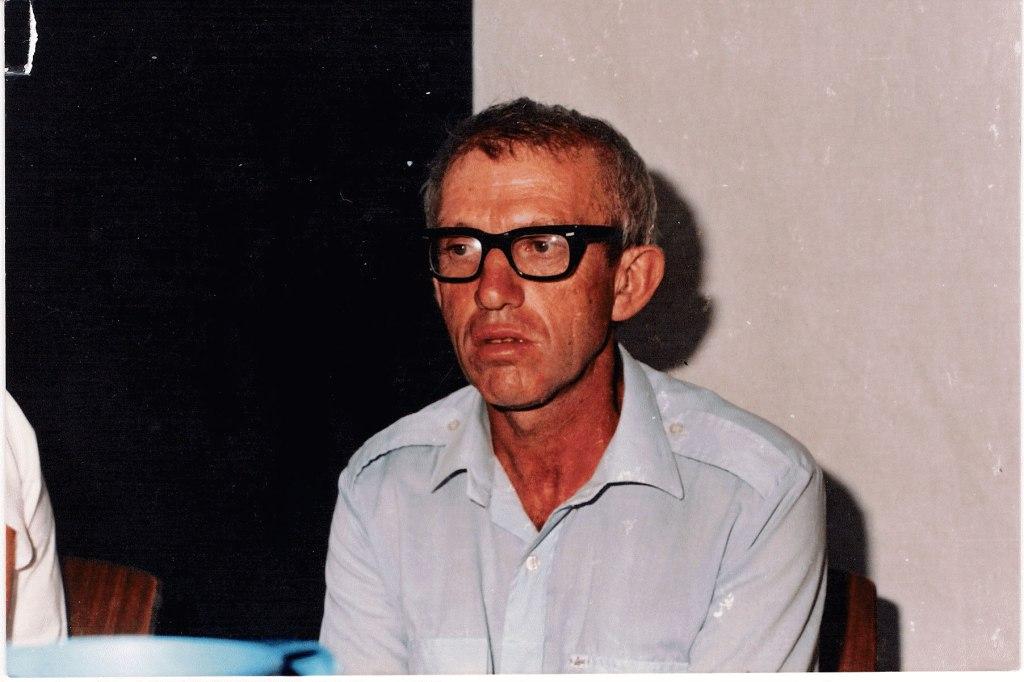
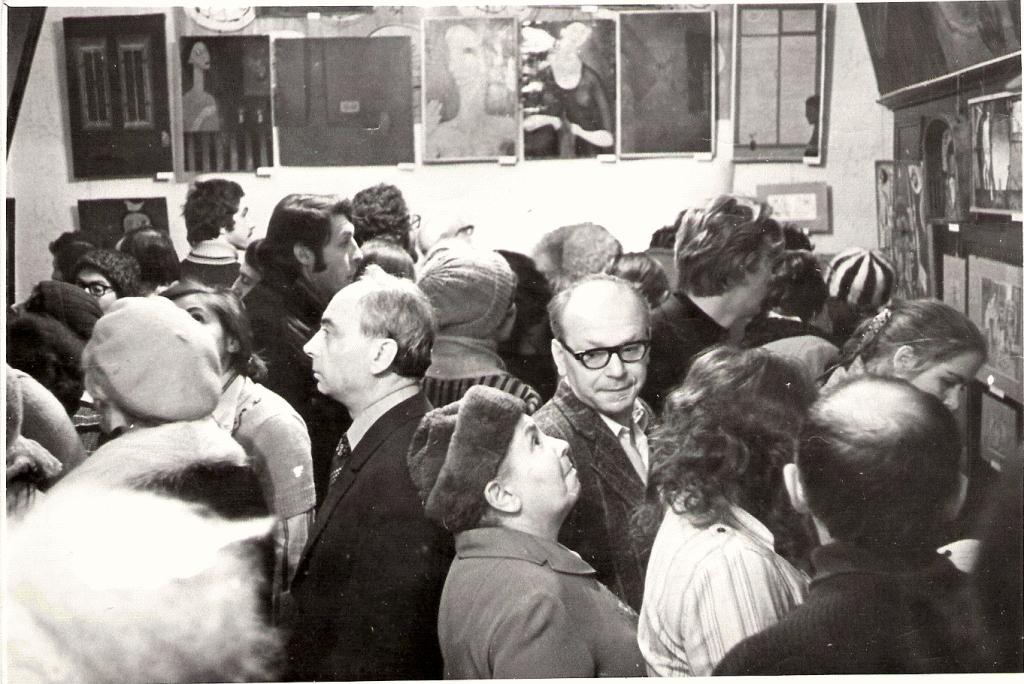
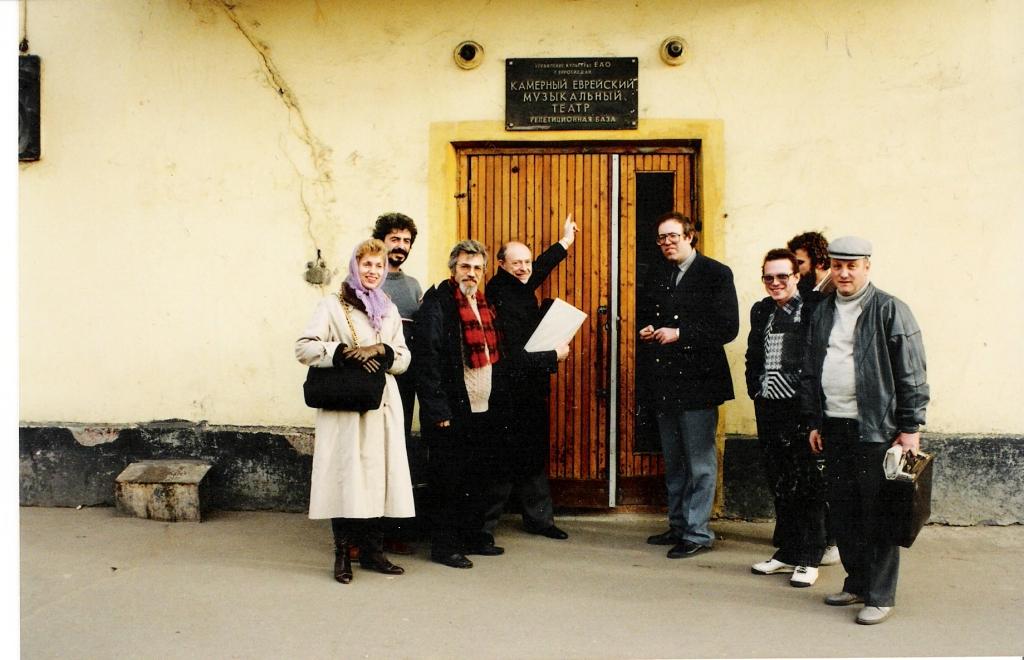
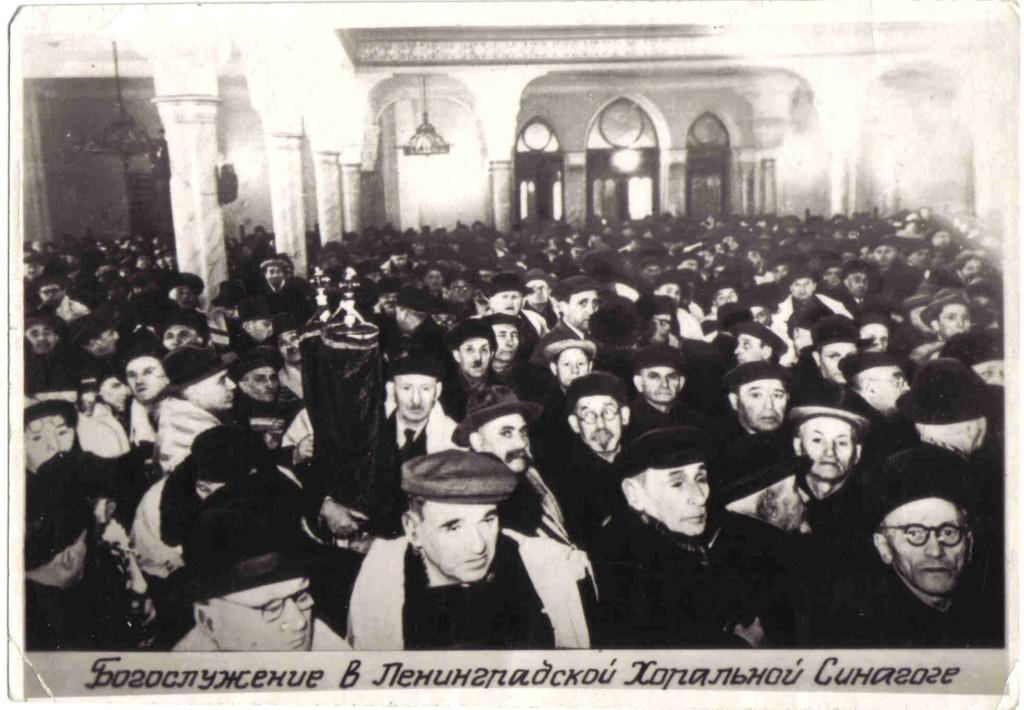
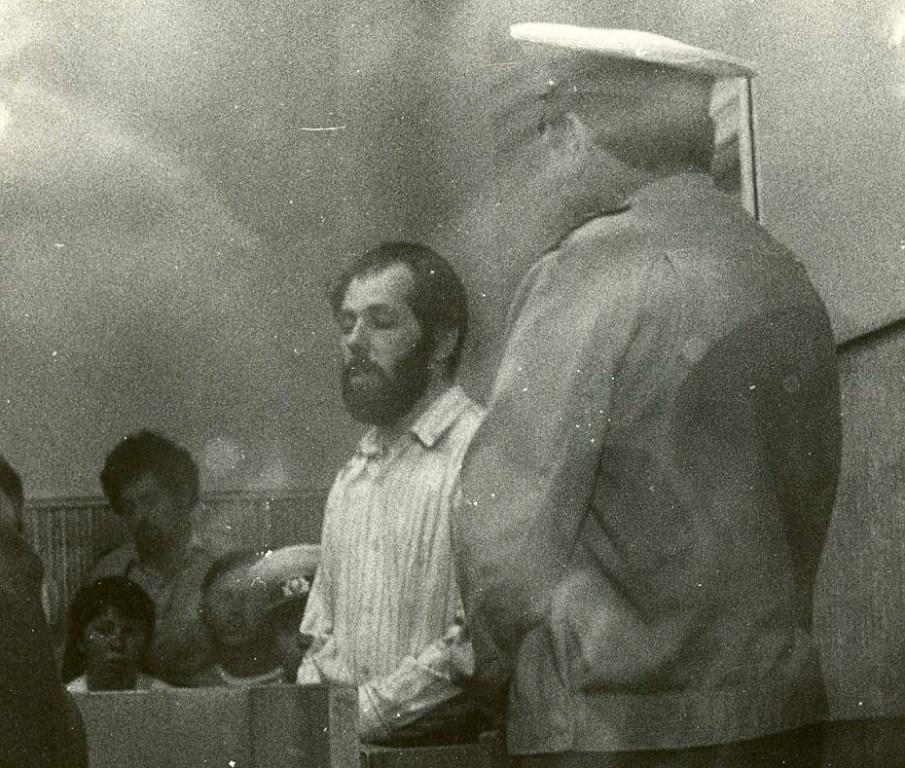
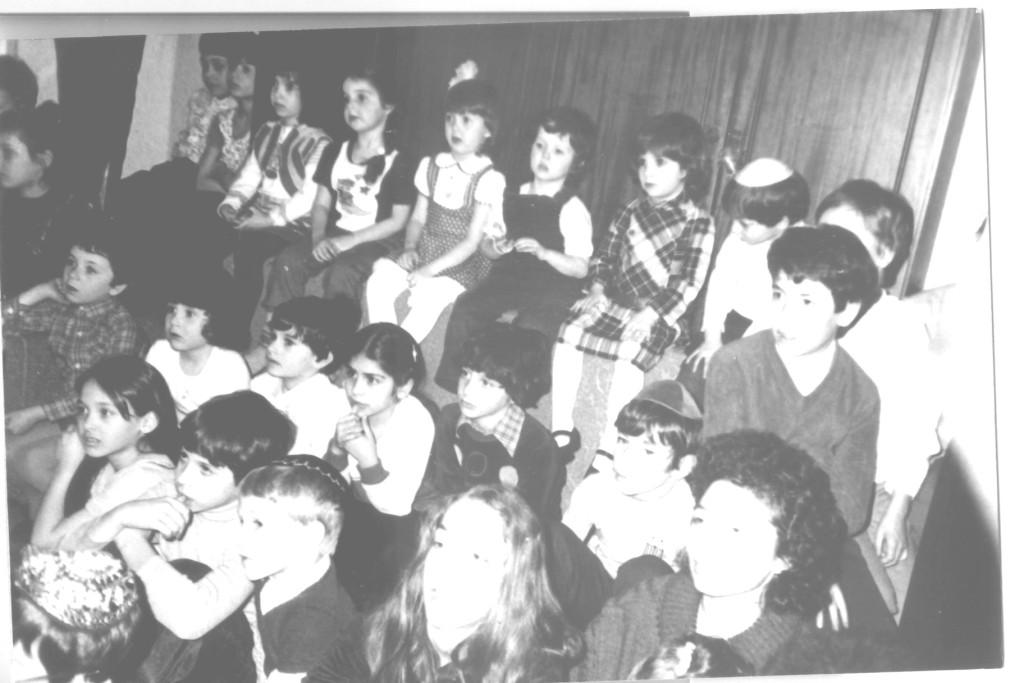
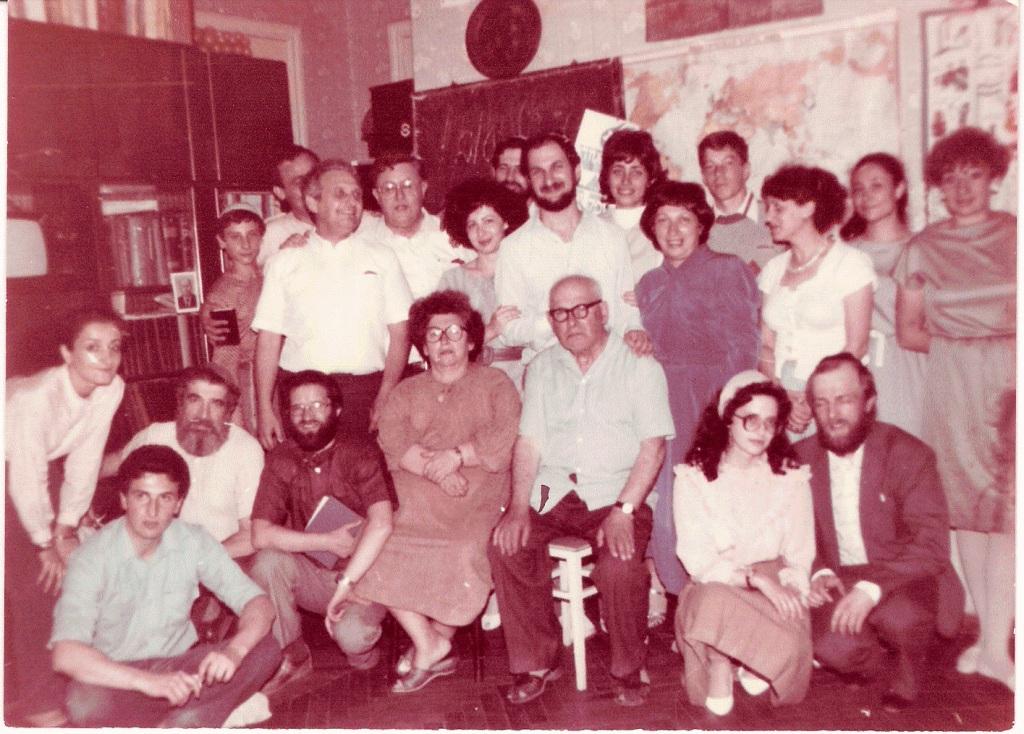
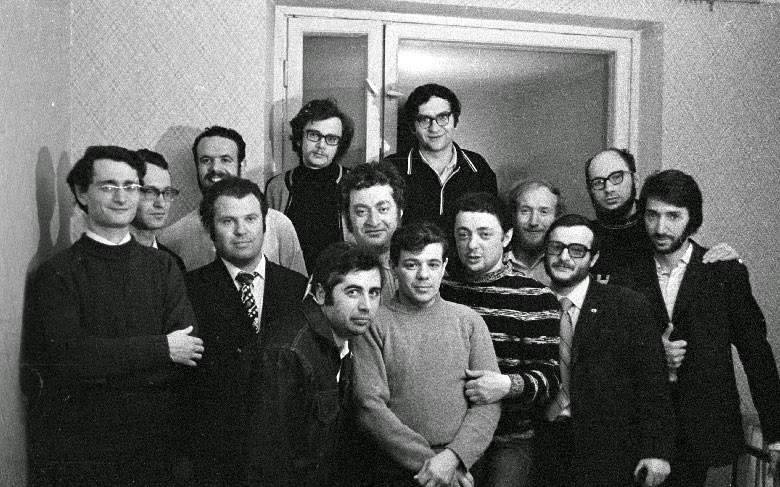
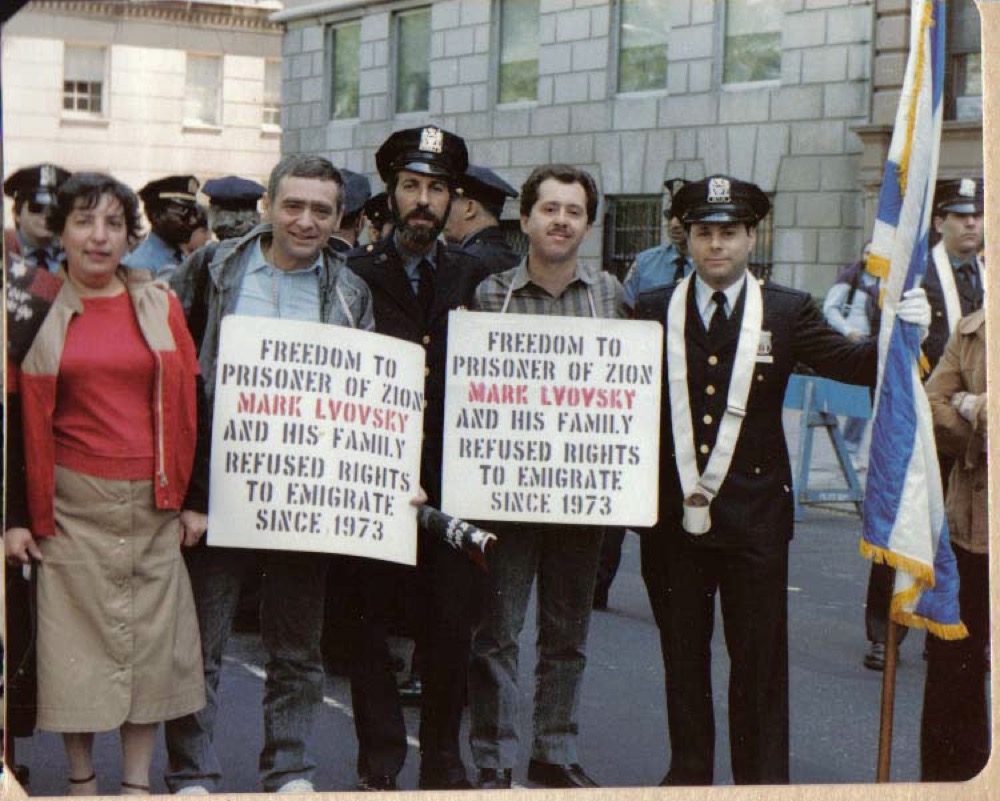
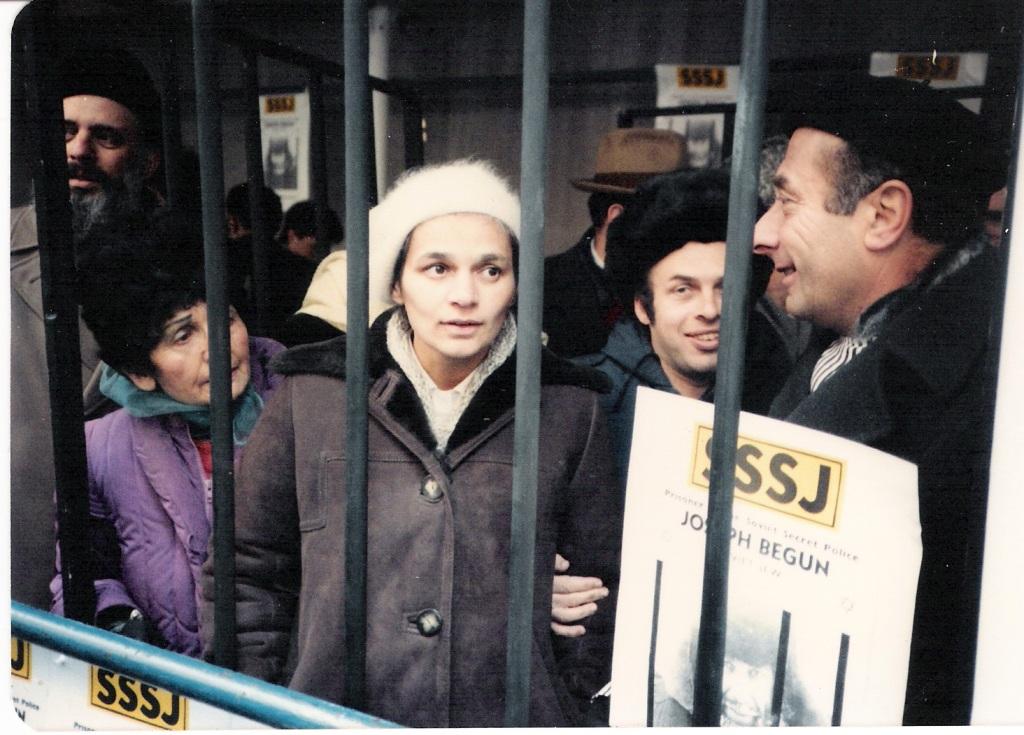
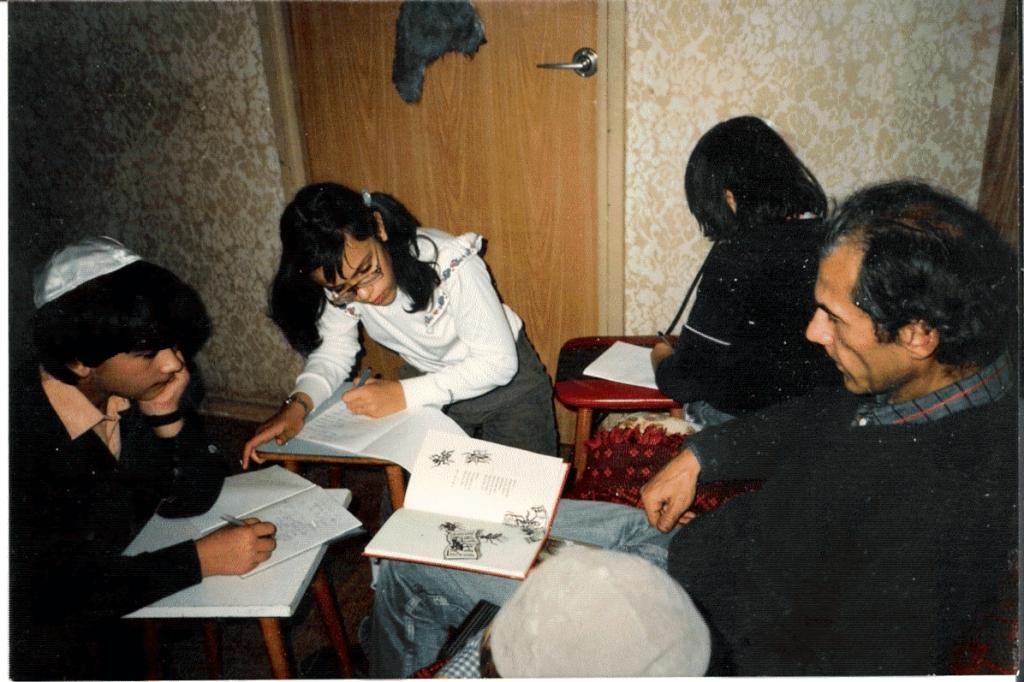
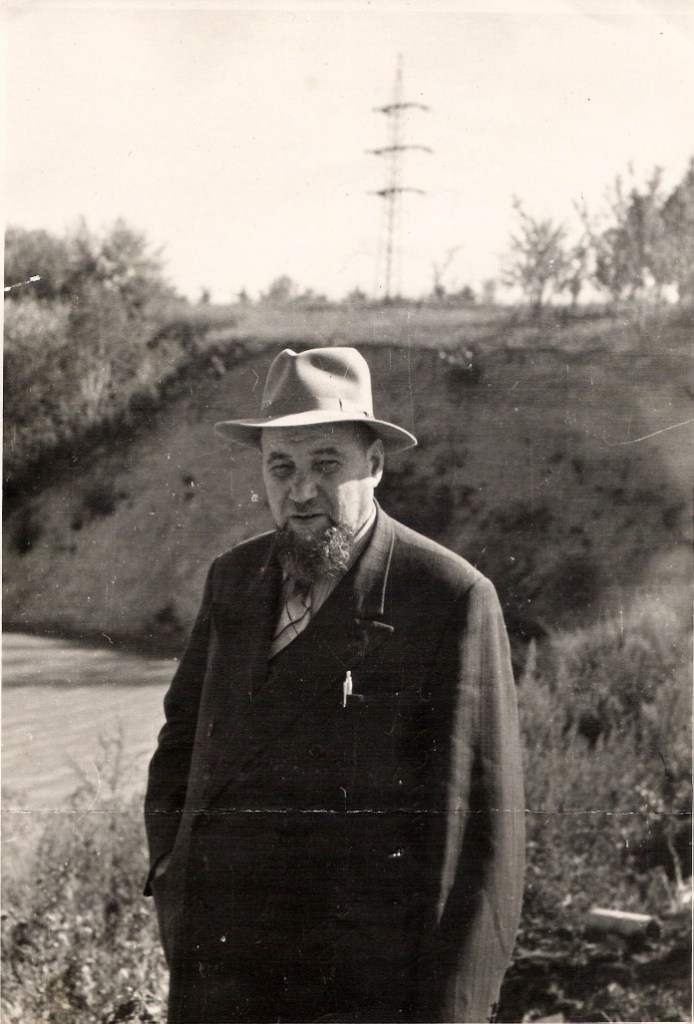
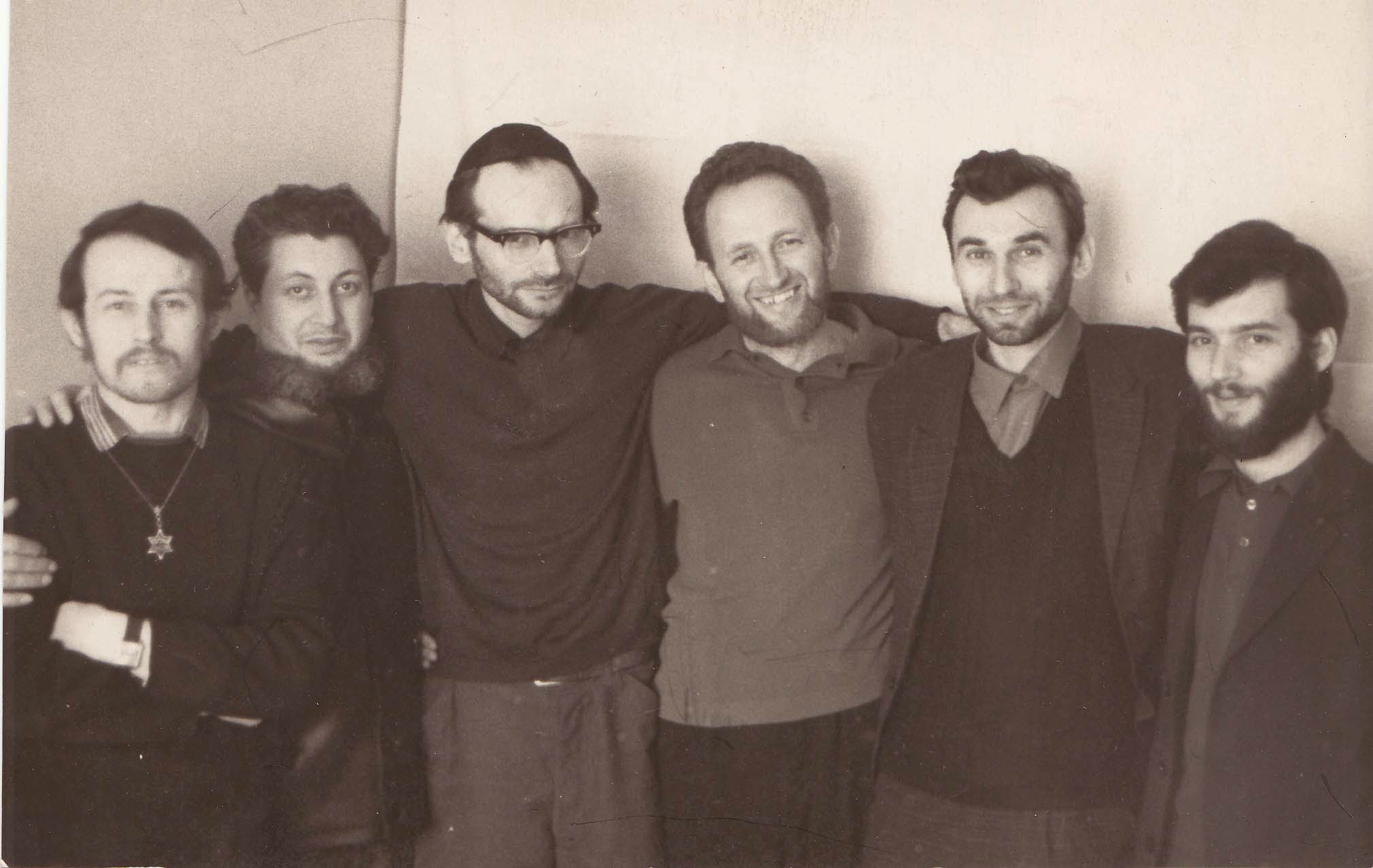
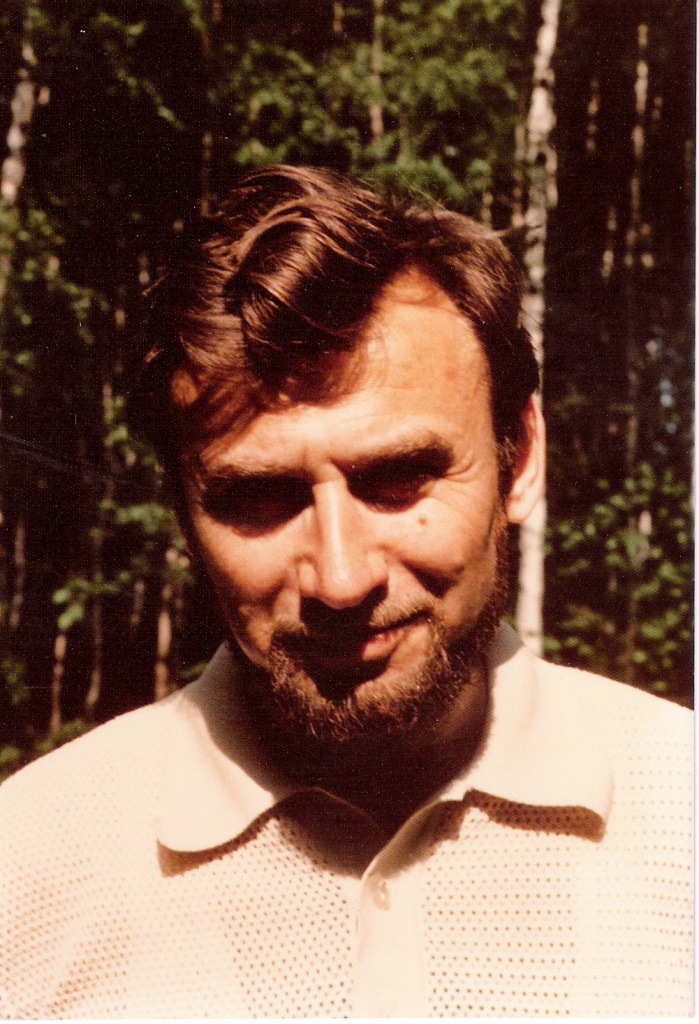
In fact, from the very beginning of the our site existence we were aspiring to show to its first visitors at least a small part of photos which we found in the personal archives of our movement participants. Hence have looked through the already recieved archives we decided to choose some photos according to certain criteria—for example, demonstrations, Jewish holidays, etc. Created on this base albums have appeared in the site quite soon after it was launched. In the process of new archives arriving we were adding to the existing albums new photos which fitted for their themes.
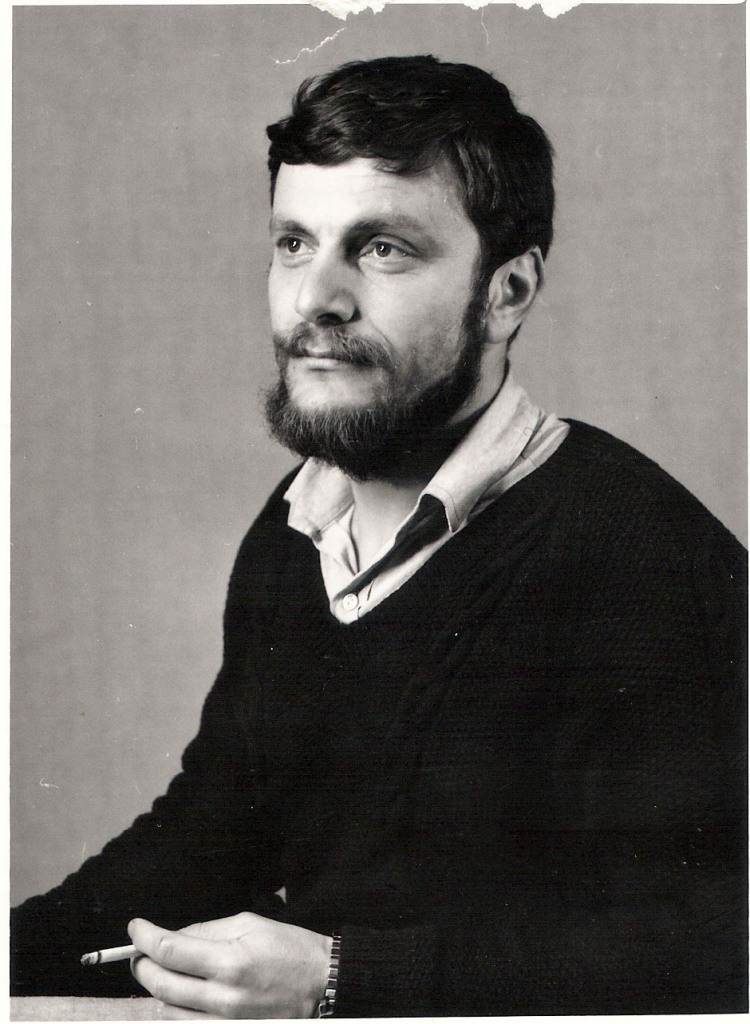
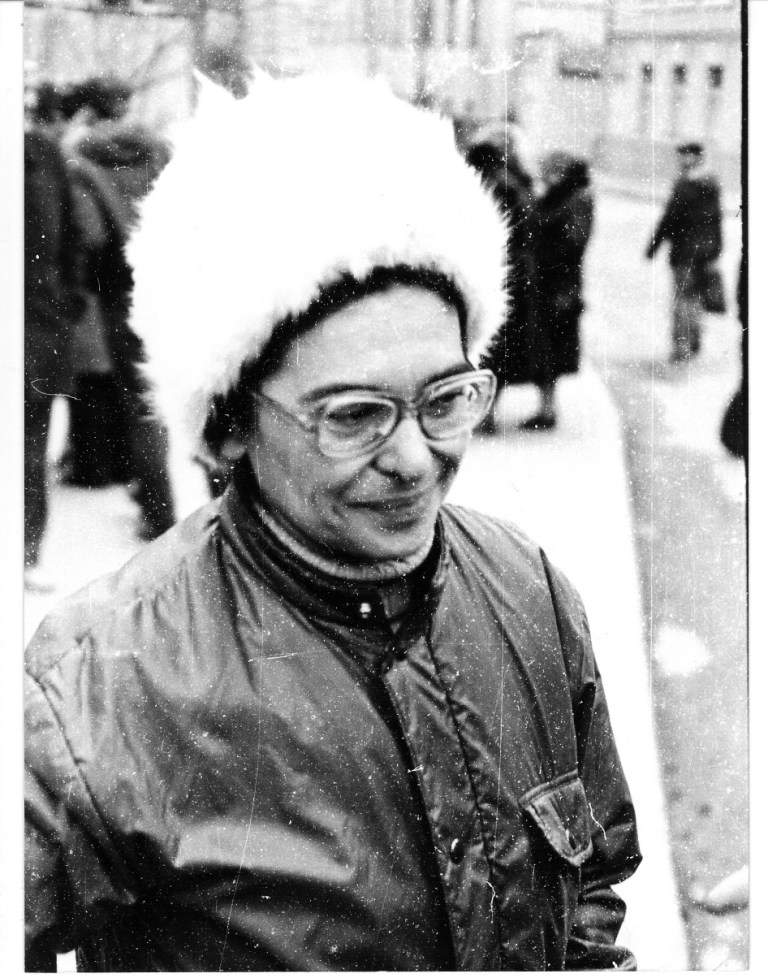
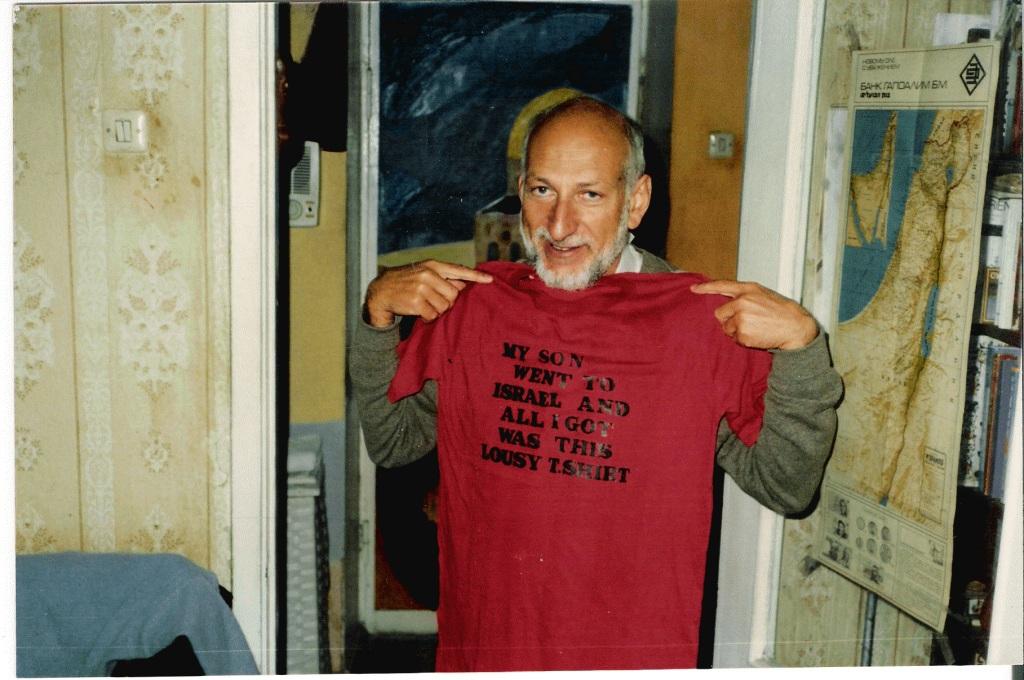
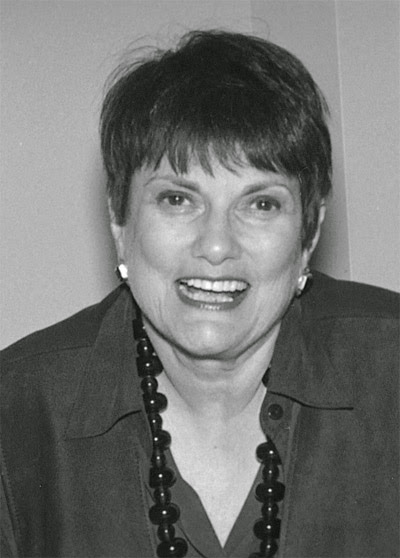
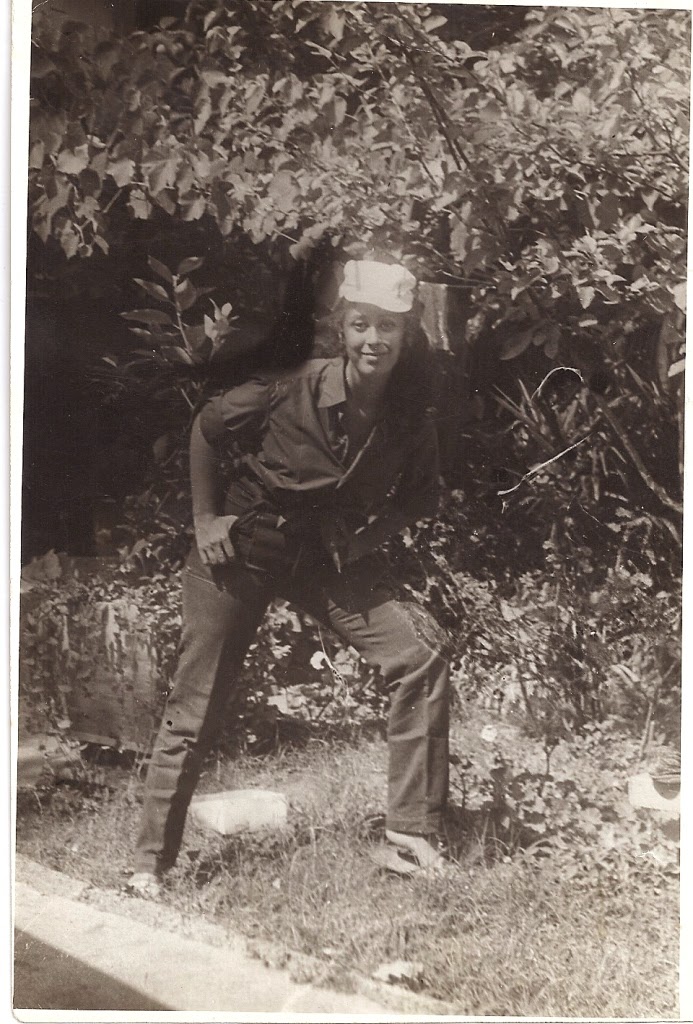
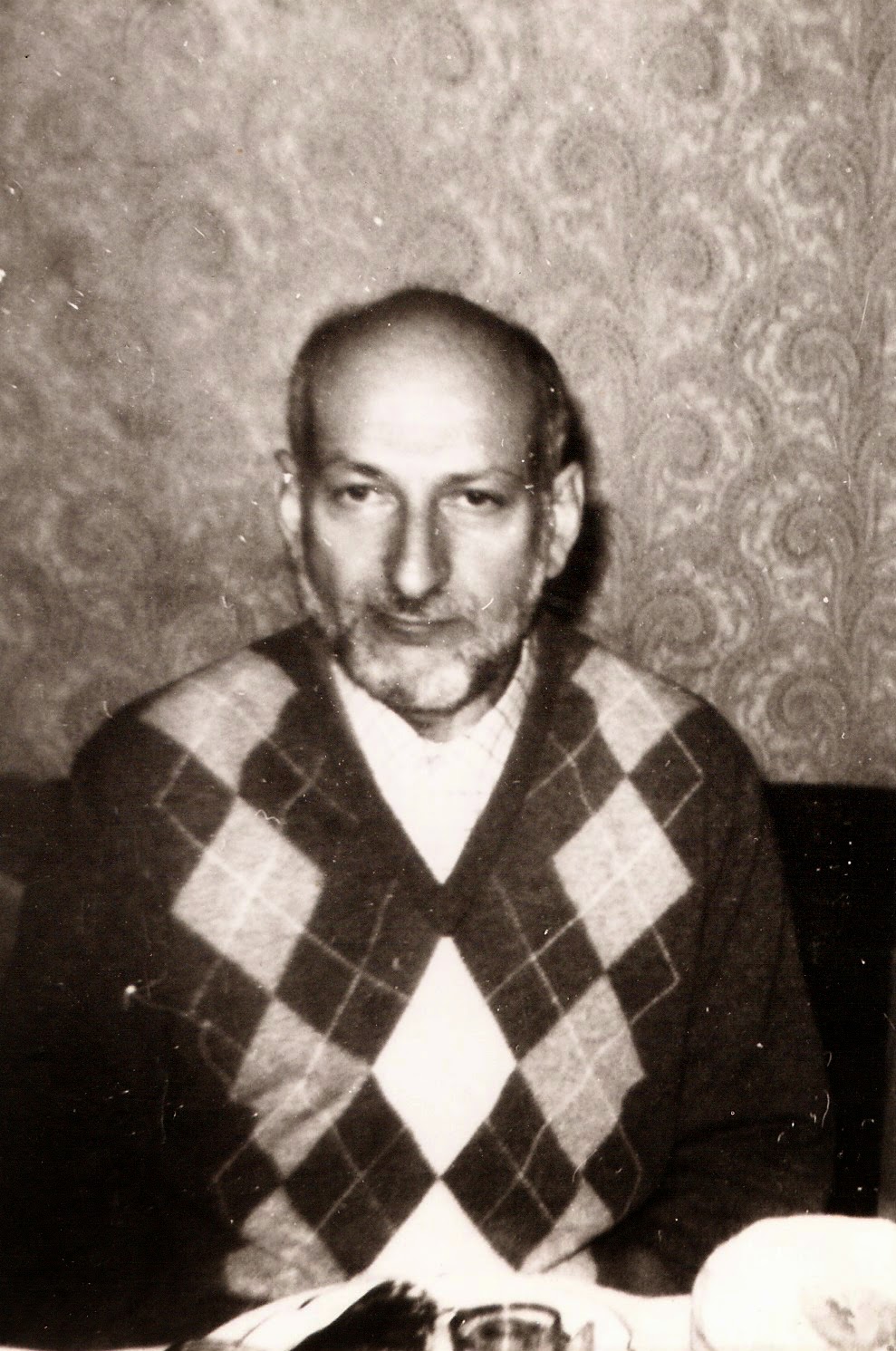
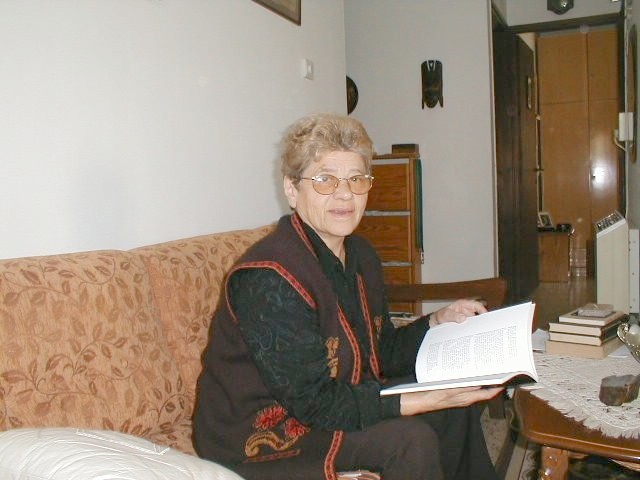
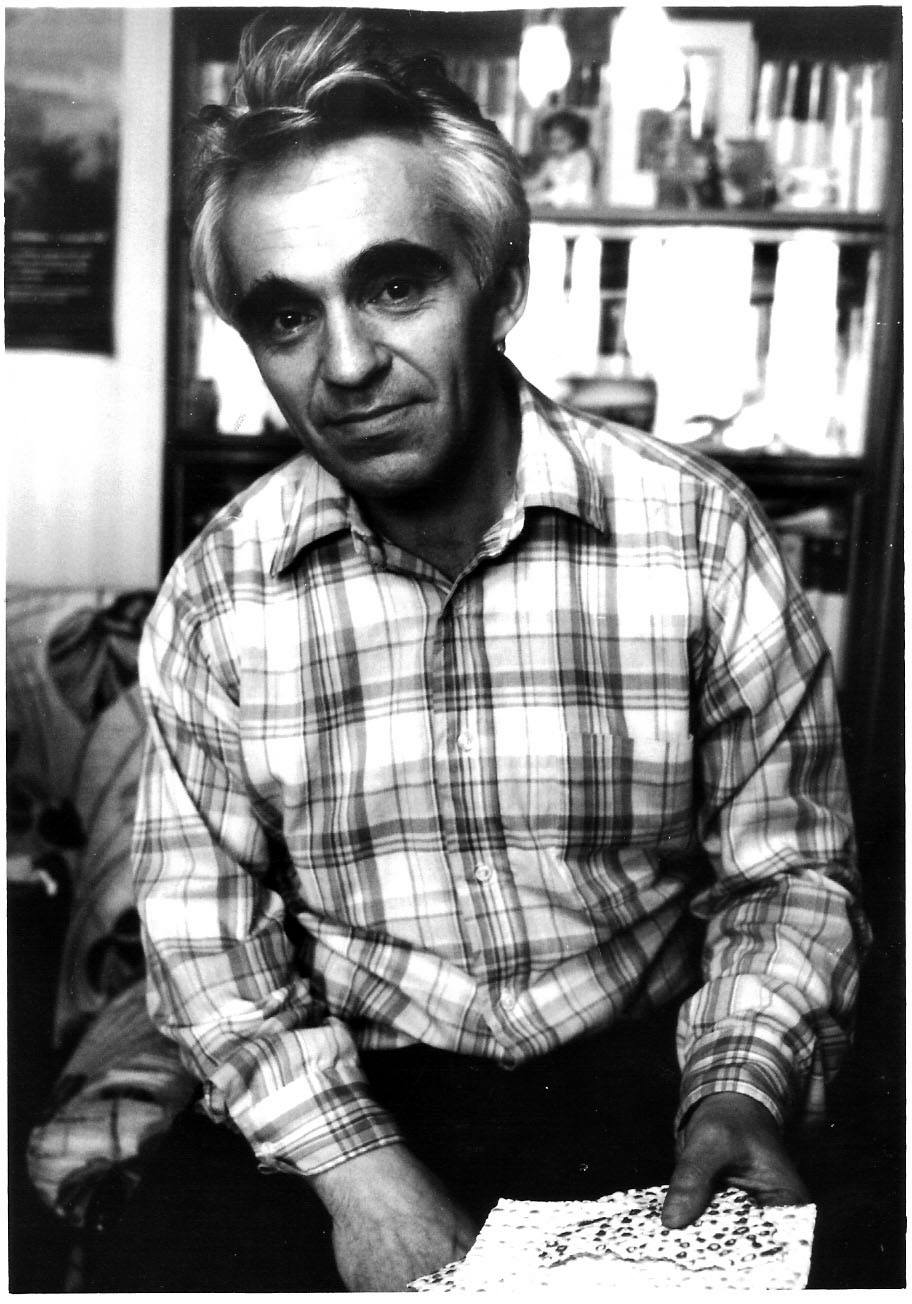
But at the same time we kept in mind that the basic principle which was layed into base of our Assiciation and of its site was to preserve personal archives of the Jewish movement participants. Because of that we implied from the very beginning that after all or at least most of all photos received by us will be sorted, treated, scanned and atributed properly we will create albums by names of those who collected them, kept and brought with themselves (which wasn’t so easy sometimes).
Collecting of archives took about ten years. Work on sorting, treating, scanning and especially atributing was actually quite time consuming and took several years. This work was completed by and large in the beginning of 2014, and after that we started to create albums according to the principle indicated in the previous paragraph. Albums are kept by the Google in the Internet “cloud” by its program Google Photo.
You can find on this page a table with links to each album organized according to alphabet (of family names). You click by the left mouse button on the chosen link and will get all photos of the chosen album. To see each photo in a big scale you have to click on the first (or any) photo, and after that you can leaf through pages forth and back with the help of symbols > and <. If you got a photo in the middle of your display, and with a caption located on the photo itself, you should click by the left button on a white circle in the upper right corner of the display with a letter “ï”, and you will get full information about the photo.
You can write any comment, or correction of a mistake, or known to you a name of somebody which we didn’t know, in a square designated by “Add a comment”, and after completing your comment you should click on a button “‘SEND’. Your comment will appear in the album and we will be able to correct mistakes.
Table of links to albums of photos
from personal archives of the “Remember and Save” Association archive.
.jpg)
-001_EXL.jpg)
.jpg)
.jpg)
.jpg)
.jpg)
.jpg)